Talent / Brand foundations
Design
system.
The single source for Talent's colours, type, surfaces, components and imagery. Use these rules for decks, reports, social posts and campaign work.
Contents
Logo
Two variants: the horizontal wordmark and the standalone mark. Always use the supplied artwork and never redraw, retype or recolour the letters. The tip automatically takes the surface's pop colour so it stays visible on any background.
light
dark
brand
Clear space
Keep a clear zone around the logo equal to half the logo's height on every side. This is a provisional carry-over rule: keep neighbouring text, imagery and frame edges outside that zone. Confirm final clear-space guidance against the Talent logo specification.
LOGO
Mark
Minimum size
The horizontal logo never goes below 120px wide on screen (30mm in print). Below that the wordmark loses legibility — switch to the mark, which holds up down to 24px.
Common misuses
The logo is fixed artwork. If a layout conflicts with these rules, change the layout, never the logo.
Don't stretch or distort
Don't rotate
Don't add shadows or effects
talent.
Don't re-set the wordmark
Don't reduce opacity
Don't use on low-contrast backgrounds
Colour
Talent cyan is the lead brand colour. Neutrals carry backgrounds and text. Pink is the accent, reserved for buttons and other actions. Tints and shades extend cyan; alphas are cyan at reduced opacity for overlays.
Primary, tints and shades
Primary / Base
#0098C7
Primary / Tint / 90
#05A1D1
Primary / Tint / 80
#18B4E8
Primary / Tint / 60
#91D9F3
Primary / Tint / 40
#DBF4FF
Primary / Tint / 20
#F2FAFE
Primary / Shade / 90
#007FA9
Primary / Shade / 80
#0080AA
Primary / Shade / 60
#005B77
Primary / Shade / 40
#003D50
Primary / Shade / 20
#001E28
Primary alphas
Primary / Alpha / 80
#0098C7 · 80%
Primary / Alpha / 60
#0098C7 · 60%
Primary / Alpha / 40
#0098C7 · 40%
Primary / Alpha / 20
#0098C7 · 20%
Primary / Alpha / 15
#0098C7 · 15%
Neutrals
Neutrals / White
#FFFFFF
Neutrals / 50
#EEF5FC
Neutrals / 100
#D9E8F7
Neutrals / 200
#BCD4EB
Neutrals / 300
#9BBAD9
Neutrals / 400
#7F9EBD
Neutrals / 500
#67829E
Neutrals / 600
#56697B
Neutrals / 700
#45525E
Neutrals / 800
#323D49
Neutrals / 850
#222933
Neutrals / Charcoal
#1E2126
Action accents
Accent / Base Light
#EA4F83
Accent / Base Dark
#E02865
Typography
Talent is the typeface for display, headings and body, in six weights. Fragment Mono is used for small labels. Sizes snap to the brand sizing scale (120px maximum). Display tracking is −6%, headings −3%, and all display and heading line heights are 90%. A highlighted word inside a heading uses the pop colour in regular weight.
Display XL
Display L
Heading H1
Heading H2
Heading H3
Heading H4
Heading H5
Heading H6
Body Large
Body Main
Body Small
Label L
Label L Caps
Label M
Label M Caps
Label S
Label S Caps
Surfaces
Surfaces are coloured containers that set background, text, pop and button colours together. Each theme (Light, Dark, Brand) has five, from quiet to loud: Base, Subtle, Mute, Elevate and Inverse. Use the quietest surface that does the job.
Theme / light
base
Headline with
a pop word
Default page background and containers
Surface text fade
subtle
Headline with
a pop word
Light grouping of related content
Surface text fade
mute
Headline with
a pop word
Stronger separation for panels
Surface text fade
bold
Headline with
a pop word
Focal content, one per view
Surface text fade
inverse
Headline with
a pop word
Flips light and dark for a contrast break
Surface text fade
Theme / dark
base
Headline with
a pop word
Default page background and containers
Surface text fade
subtle
Headline with
a pop word
Light grouping of related content
Surface text fade
mute
Headline with
a pop word
Stronger separation for panels
Surface text fade
bold
Headline with
a pop word
Focal content, one per view
Surface text fade
inverse
Headline with
a pop word
Flips light and dark for a contrast break
Surface text fade
Theme / brand
base
Headline with
a pop word
Default page background and containers
Surface text fade
subtle
Headline with
a pop word
Light grouping of related content
Surface text fade
mute
Headline with
a pop word
Stronger separation for panels
Surface text fade
bold
Headline with
a pop word
Focal content, one per view
Surface text fade
inverse
Headline with
a pop word
Flips light and dark for a contrast break
Surface text fade
Layout and spacing
One spacing scale for margins, padding and gaps across every format. Align content to the column grid and leave generous empty space.
Spacing scale
4px
8px
12px
16px
20px
24px
32px
40px
48px
56px
64px
72px
80px
88px
96px
112px
128px
144px
168px
192px
224px
Margins
64–96px
Slides: 80px or 96px. Social: 64px. Repeat the same outer margin across a series.
Card padding
16 / 24 / 32px
16px compact, 24px standard, 32px spacious. Keep all sides consistent.
Gaps
8 / 16 / 32 / 64px
8px icon to label; 16px inside groups; 32px between groups; 64px between major blocks.
Alignment
Shared anchors
Align headlines, copy, cards and imagery to the same column edges. Centre only when the composition calls for it.
Corner radii
Radius 1
Radius 2
Radius 3
Radius 4
Radius 5
Radius 6
8px for compact controls; 16–24px for cards and photos; 32–48px for large editorial treatments. Round / 999px for pills.
Frame grids
Slides use a 6-column grid; every social format (4:5, 1:1, 9:16) uses 2 columns. Margins and gutters are measured on the full-size canvas.
6 columns
1920 × 1080
Presentation
Margin 80px · Gutter 32px
2 columns
1080 × 1350
Social portrait
Margin 64px · Gutter 32px
2 columns
1080 × 1080
Social square
Margin 64px · Gutter 32px
2 columns
1080 × 1920
Social vertical
Margin 64px · Gutter 32px
Top / bottom inset 144px*
*Vertical safe areas are a working minimum, not a platform guarantee. Keep logos, headlines and CTAs away from interface overlays; check the destination platform before export.
Components
Reusable building blocks. Each one reads its colours from the surface it sits on, so it stays legible in every theme and surface without manual overrides.
Toggle
Toggle · no labels
Button
Tag
Inverse surface
High-contrast break for statements, figures and calls to action.
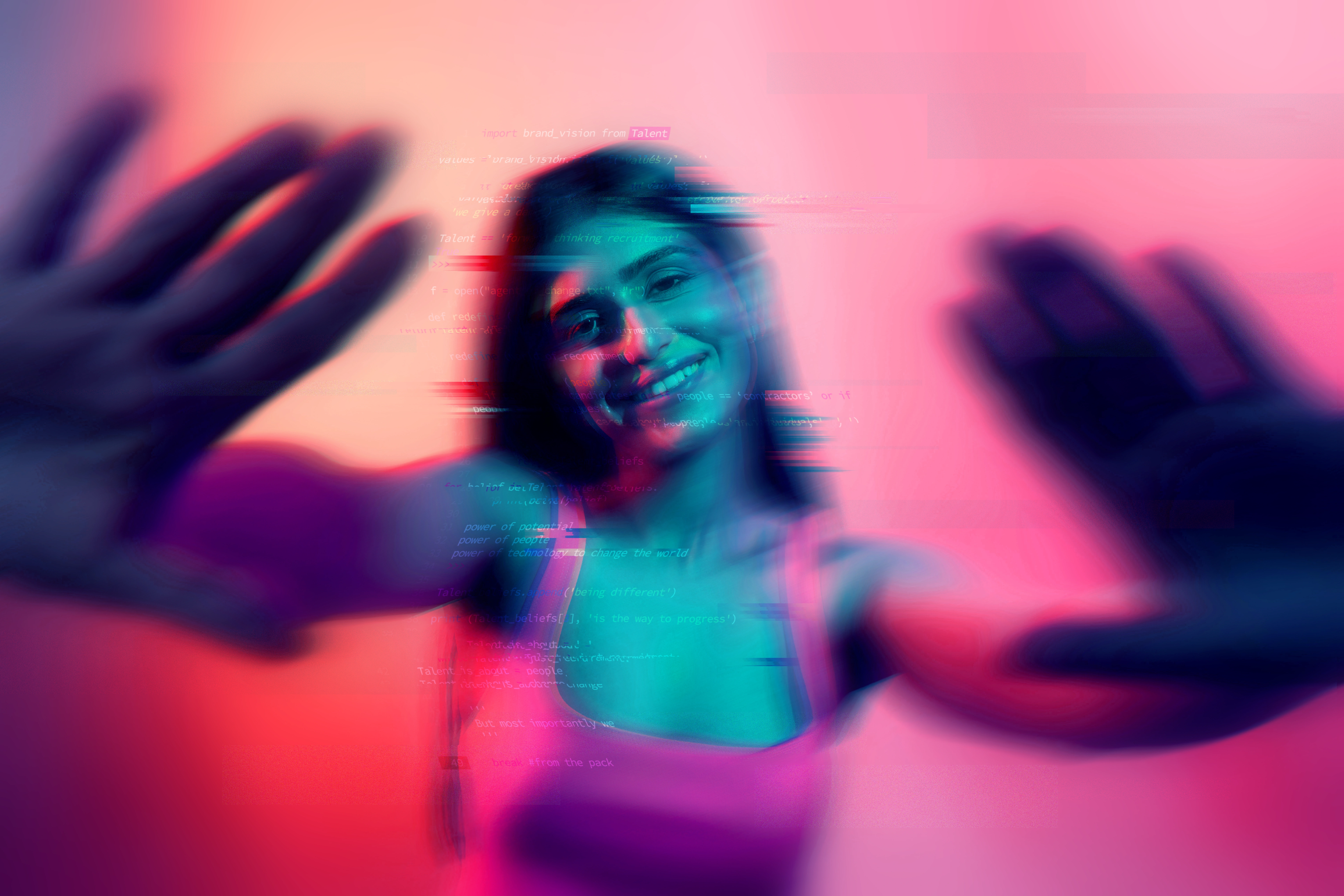
Image Wrap + Bold surface
25+
Years creating people's futures
Tooltips
Tooltips show extra detail on hover, such as an element's properties or a token's codes. They use a fixed charcoal Inverse background, white text and a faint white border on every theme. Corners use radius 2 (16px). Property names use Label S Caps and values use Label M, both in Fragment Mono. Add a colour dot only for colour-related values. Use a single row for one property, or a Heading H6 title and divided rows for several related properties. Keep essential information visible outside the tooltip; reveal hover details on focus and provide a tap equivalent on touch screens.
light / Single row
- Size20px
dark / Single row
- Size20px
brand / Single row
- Size20px
LIGHT / MULTIPLE ROWS
Heading
- TypefaceTalent
- Size20px
- Line height140%
dark / Multiple rows
Heading
- TypefaceTalent
- Size20px
- Line height140%
brand / Multiple rows
Heading
- TypefaceTalent
- Size20px
- Line height140%
Imagery
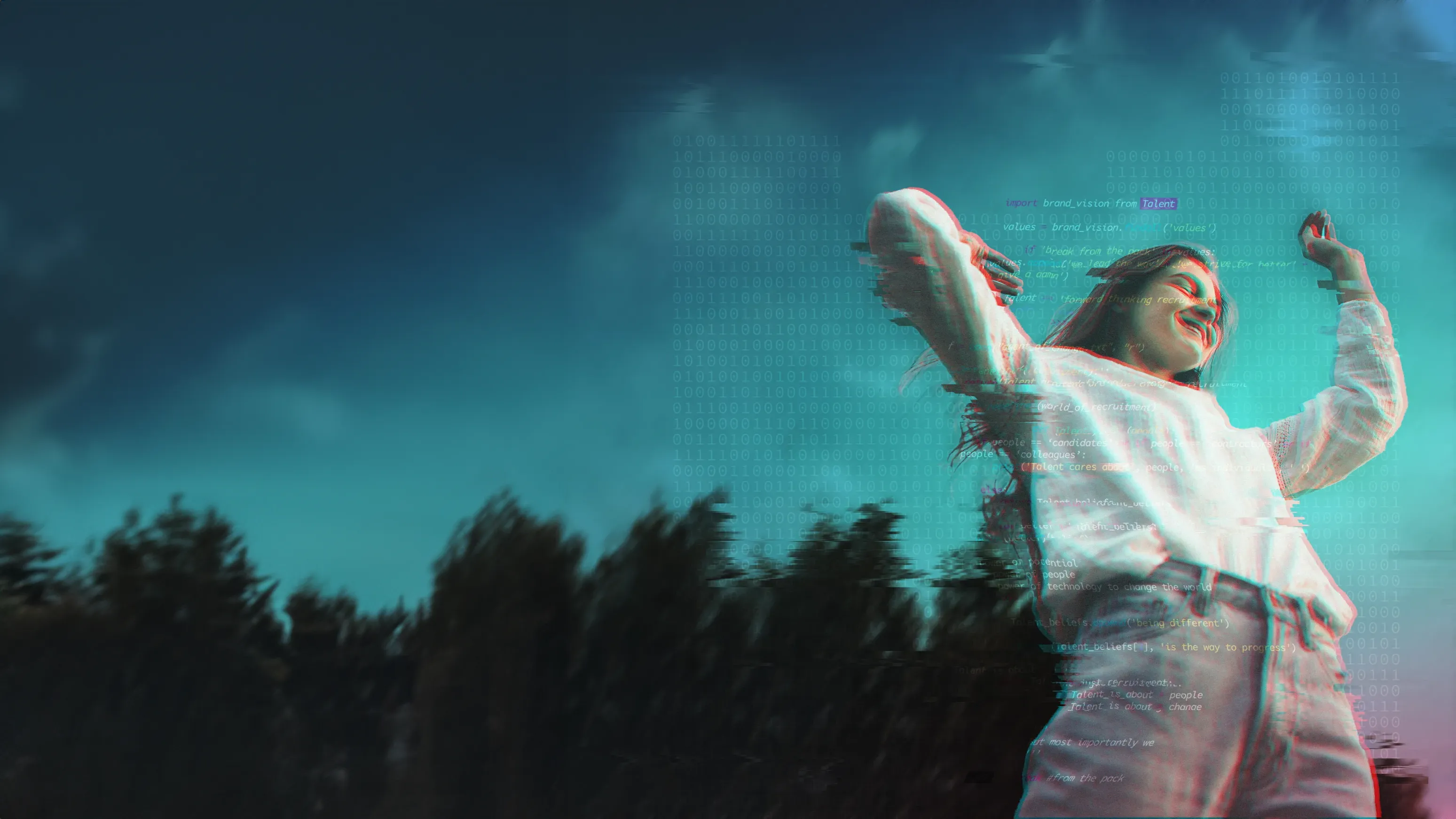
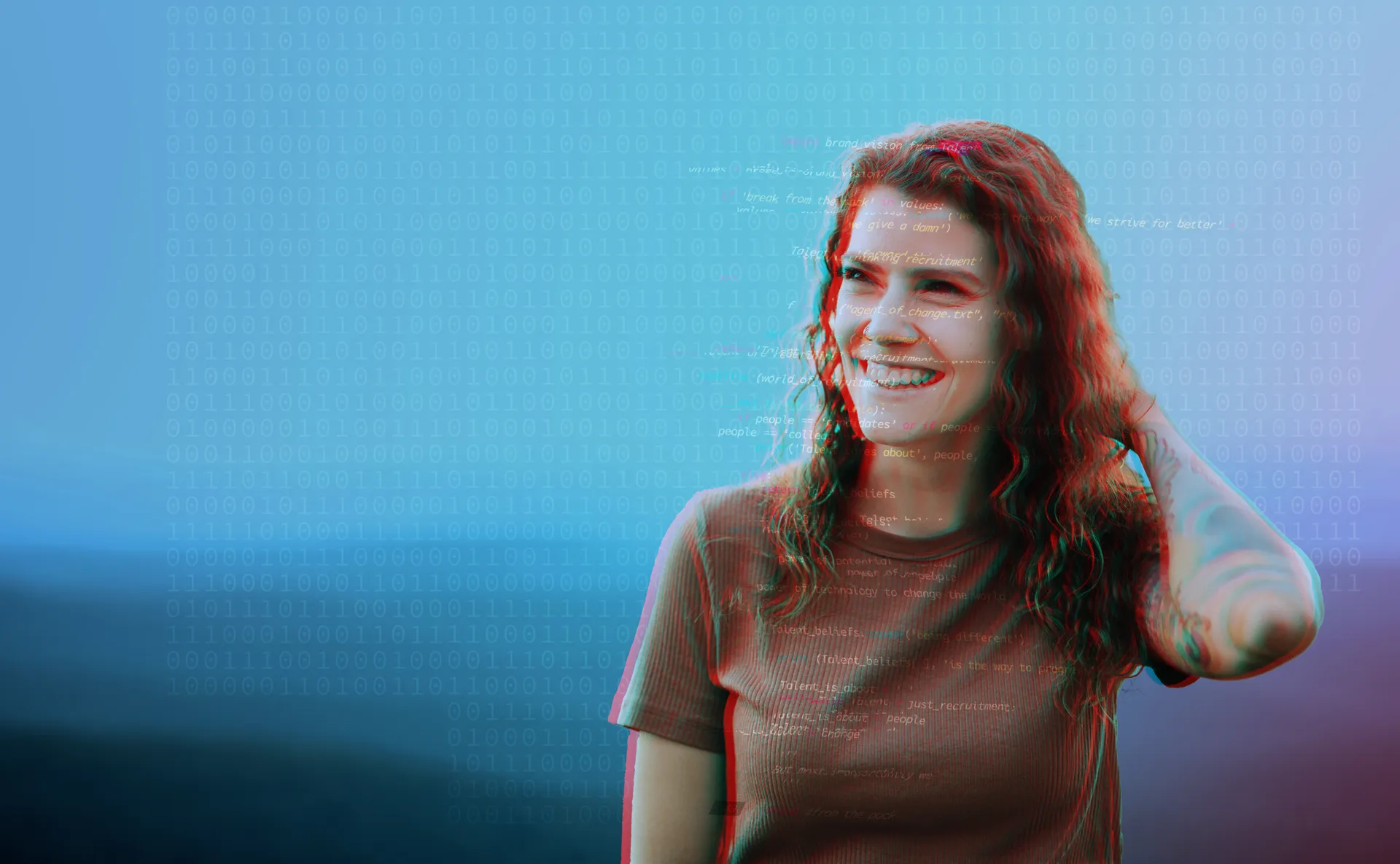
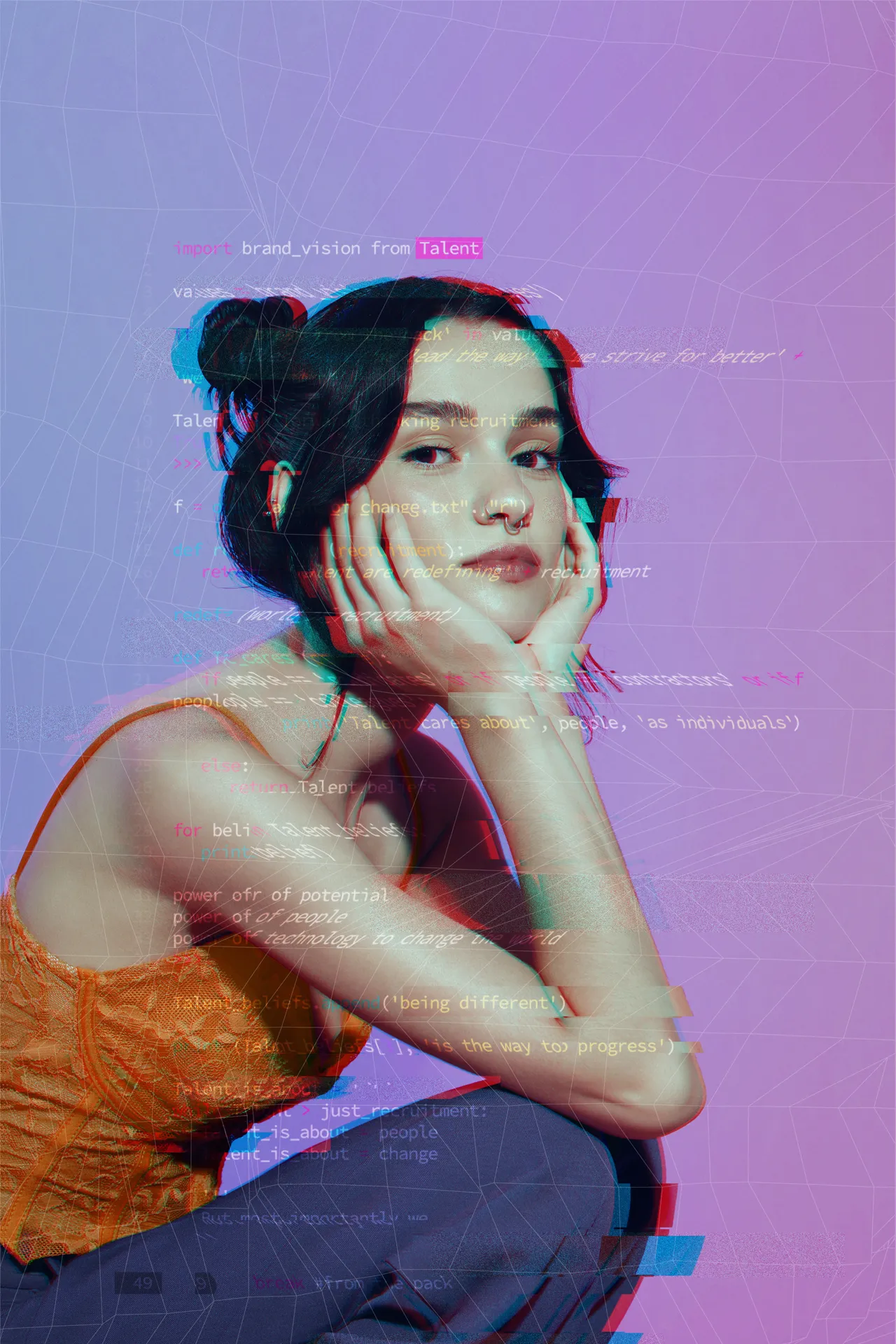
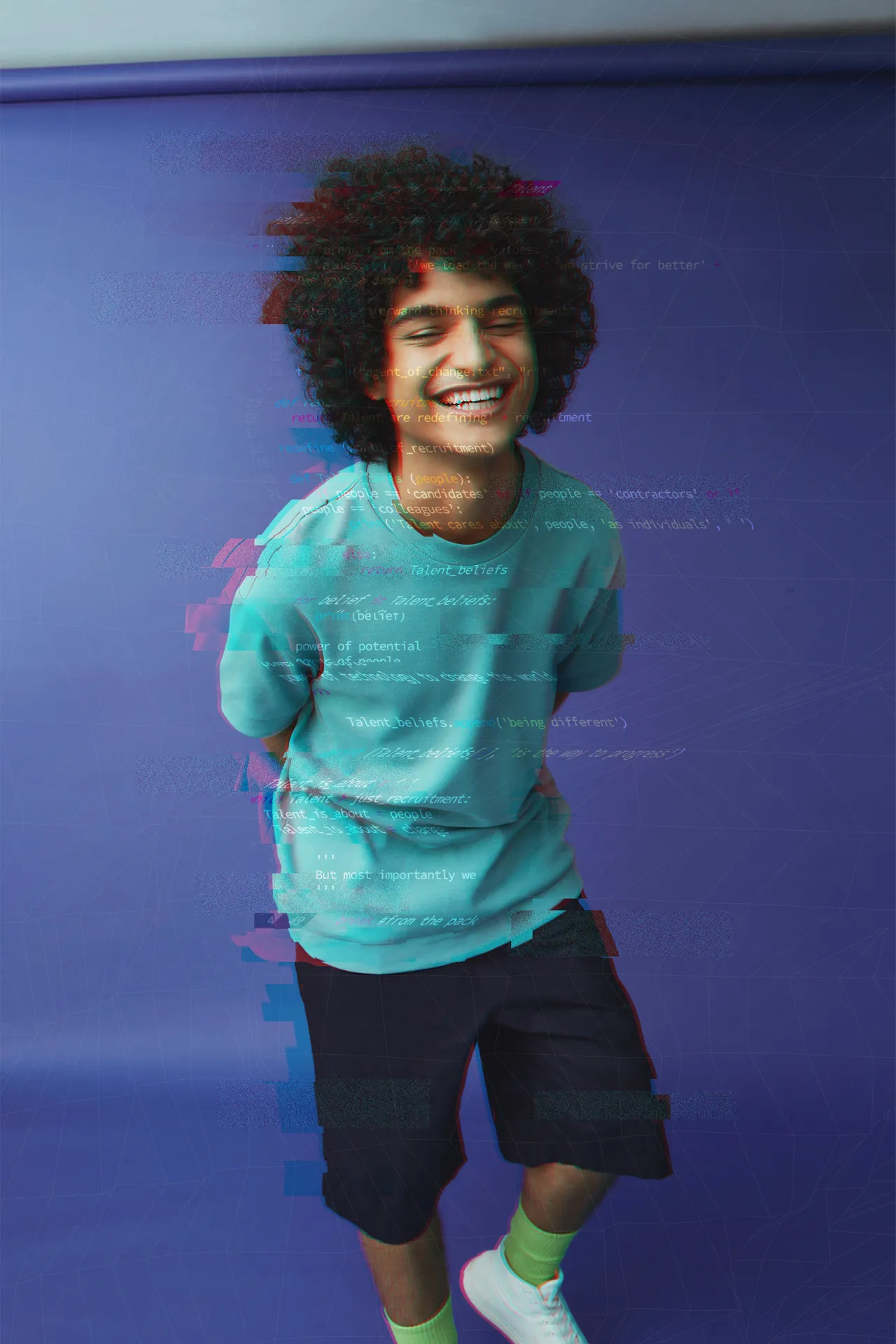
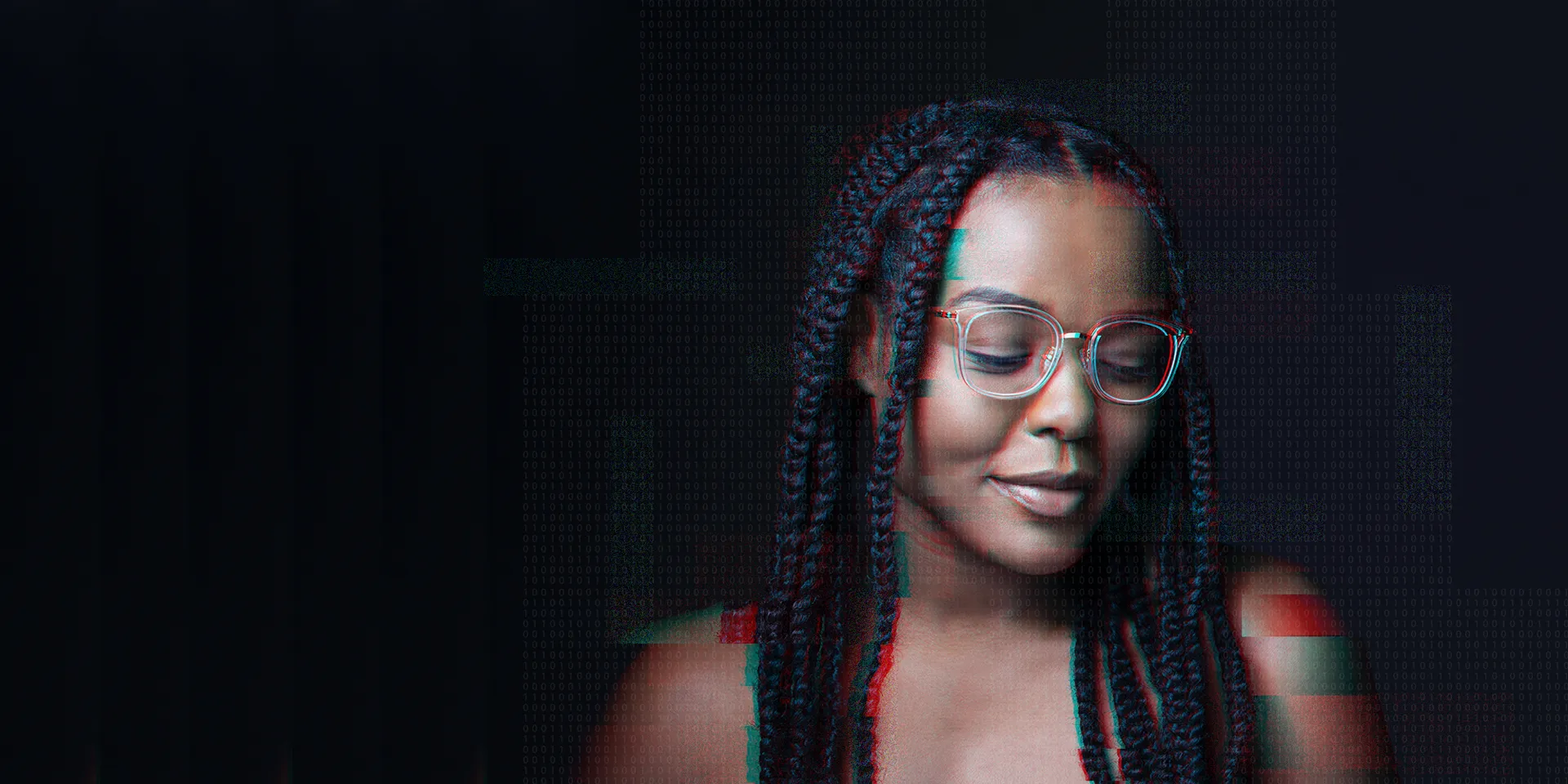
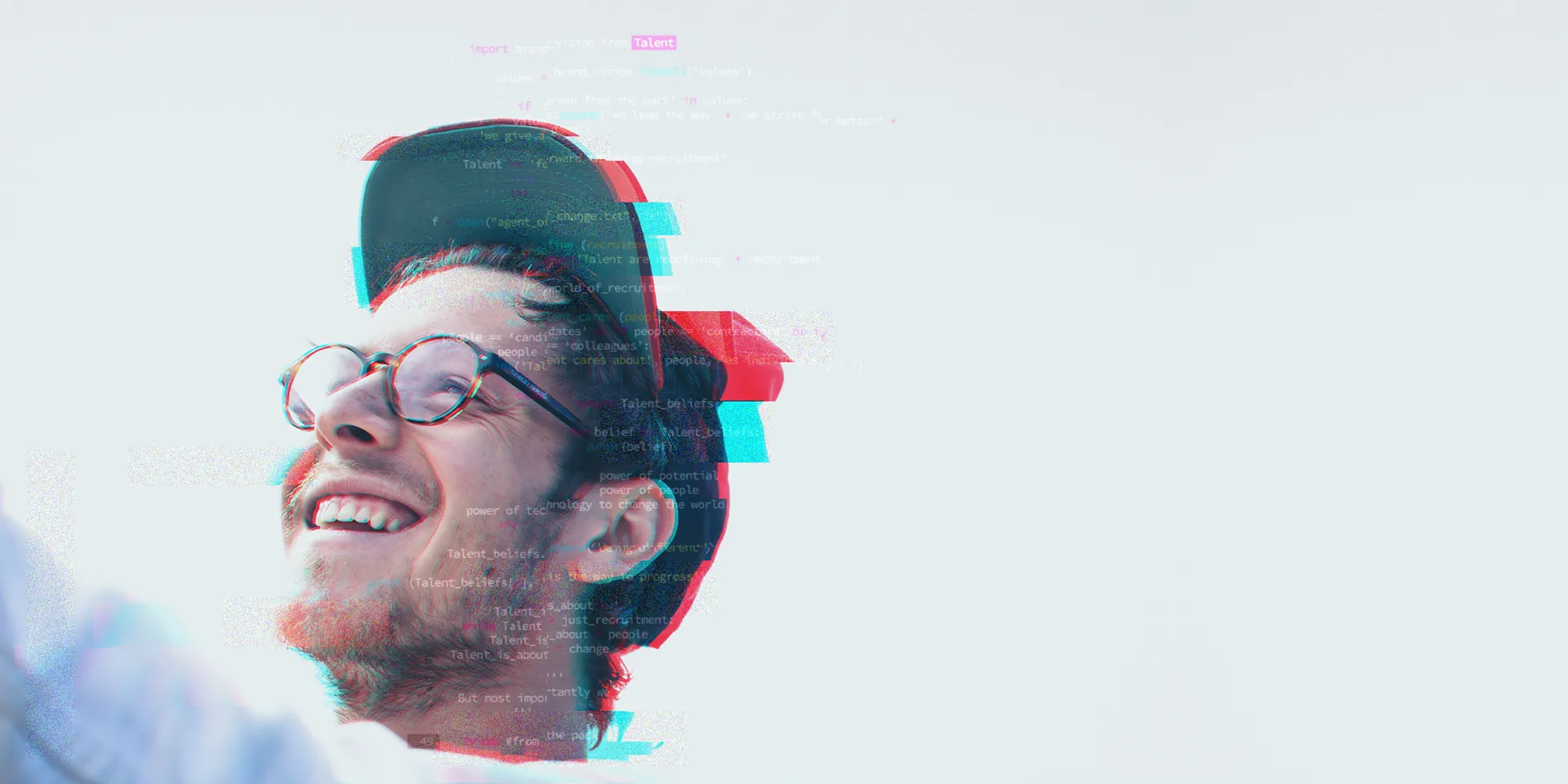
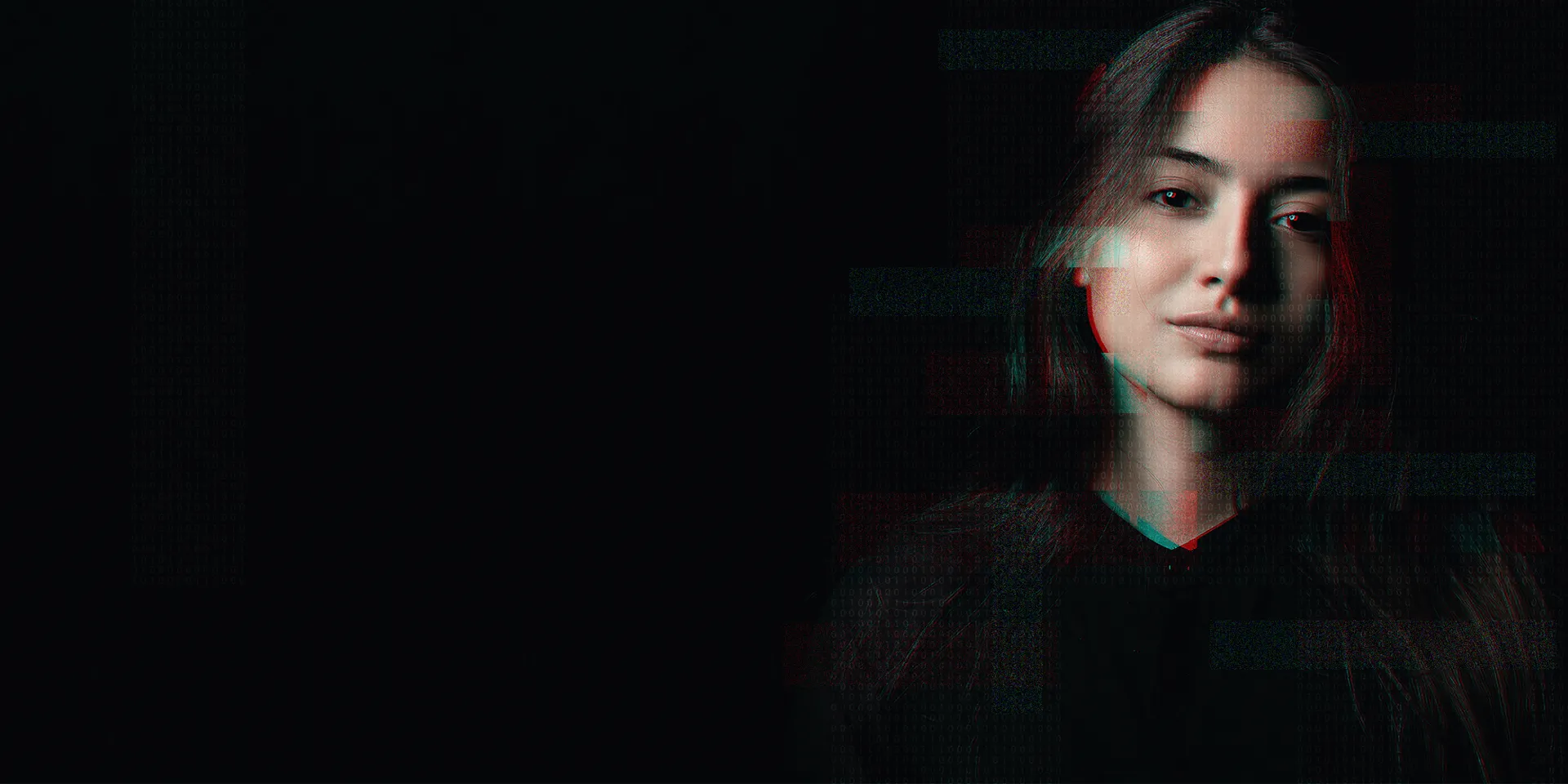
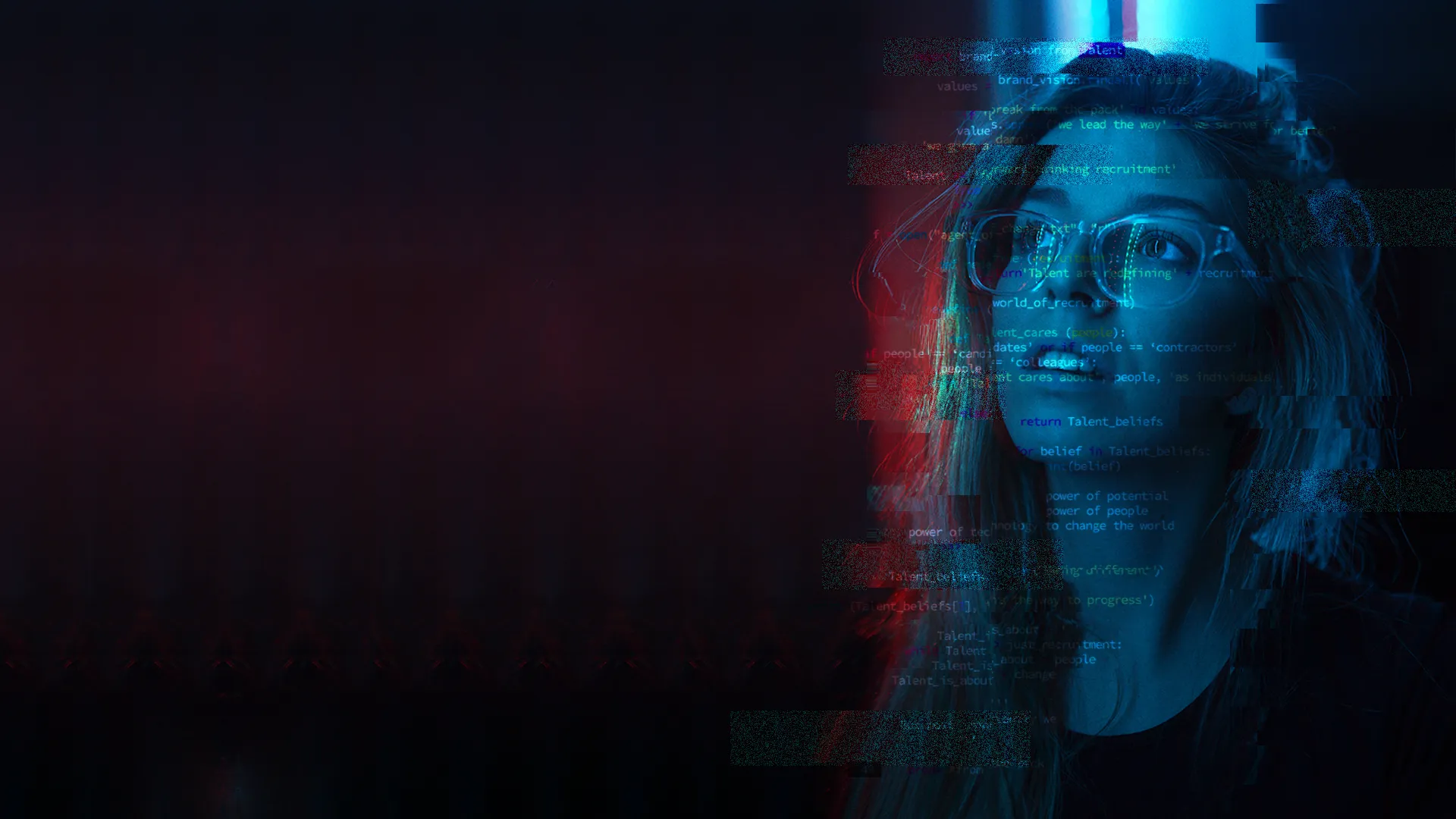
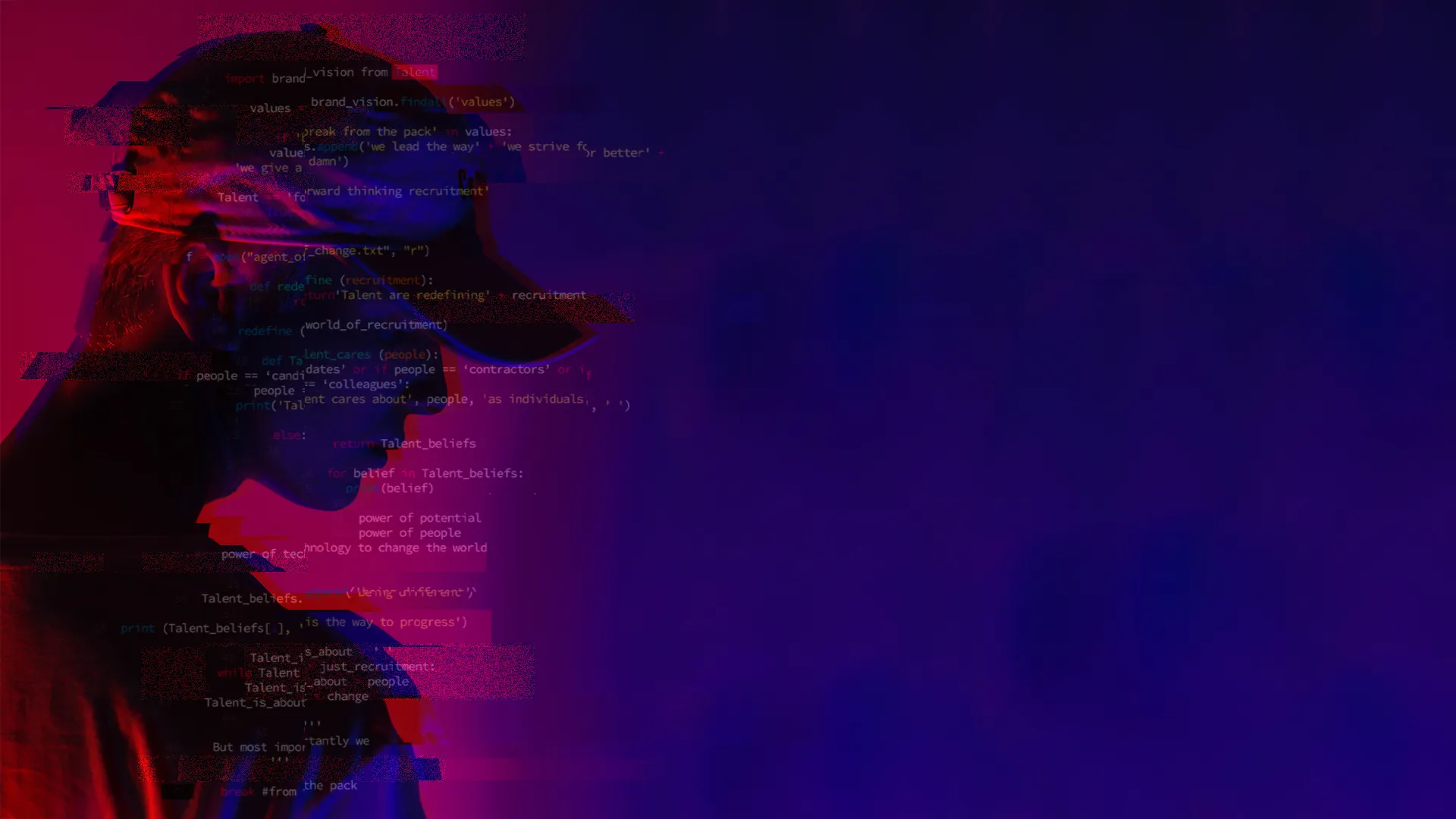
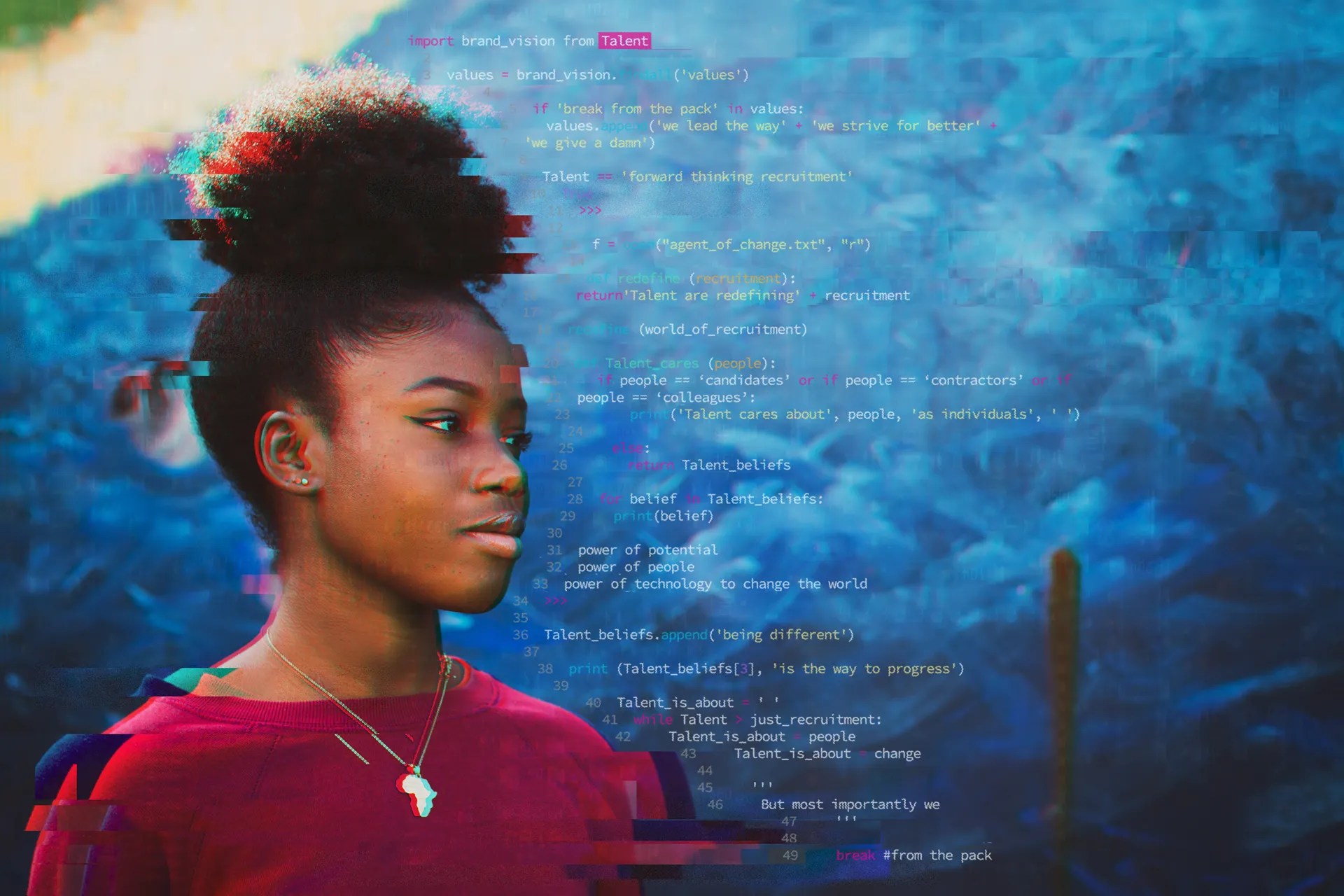
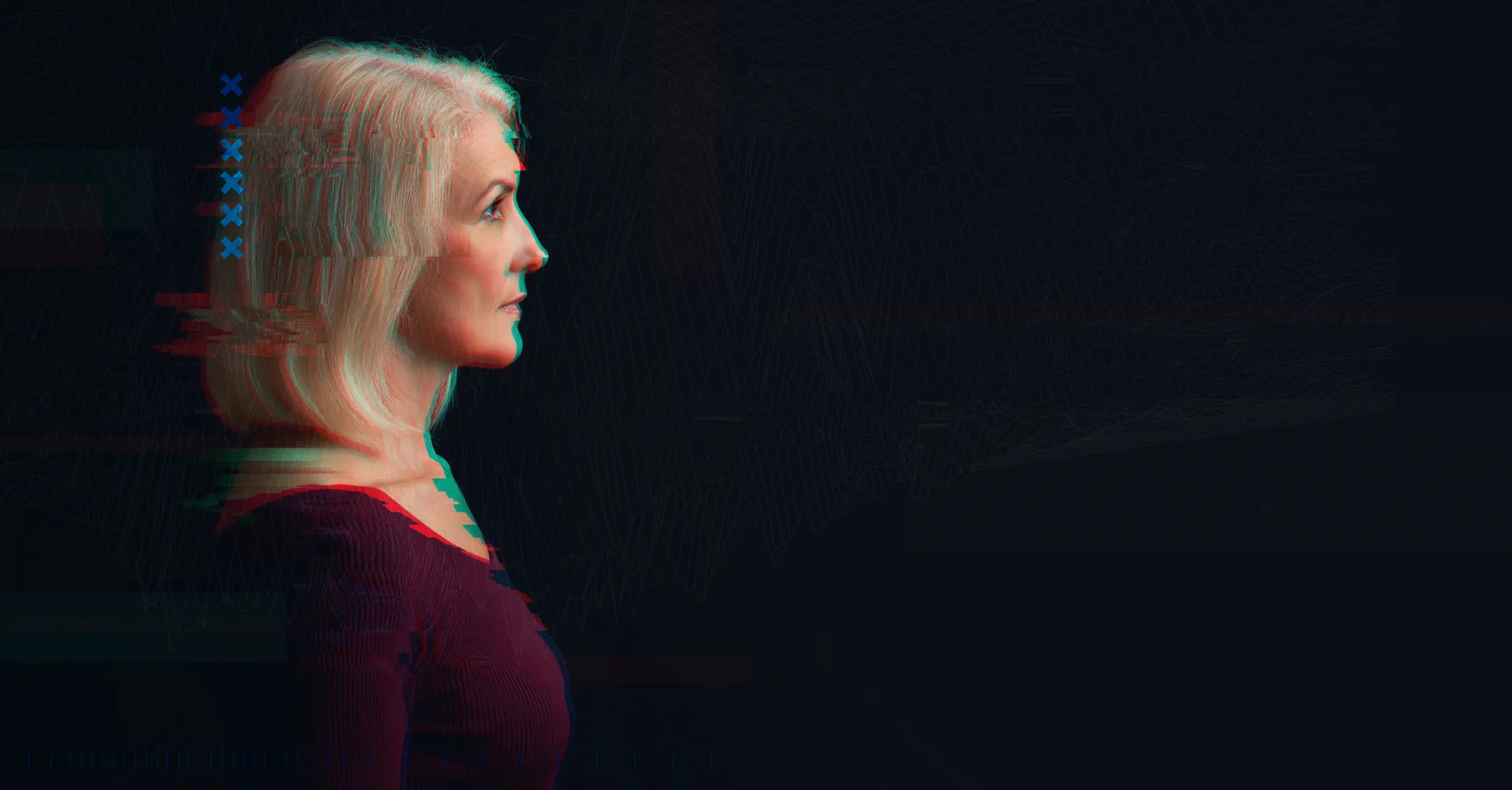
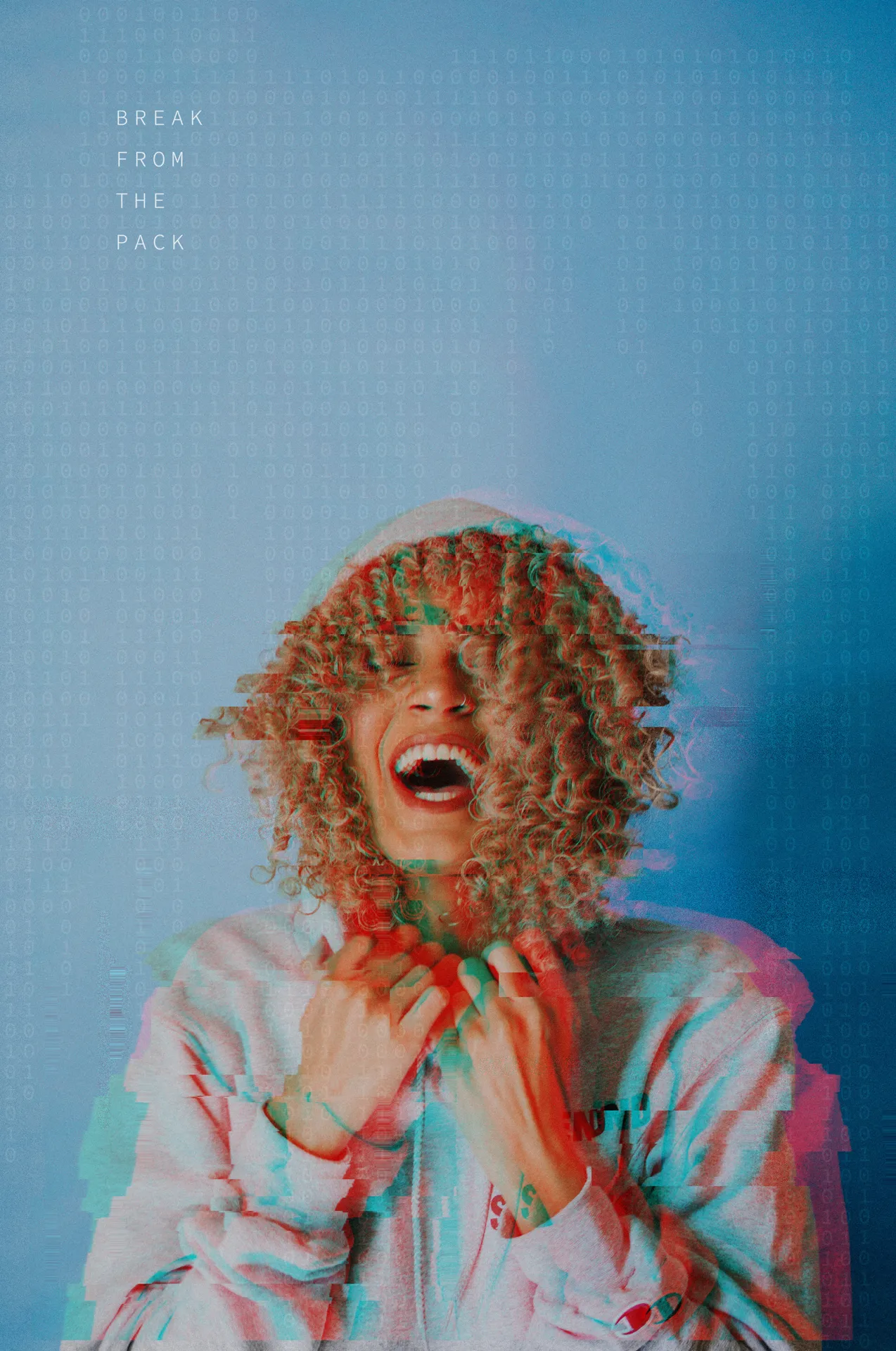
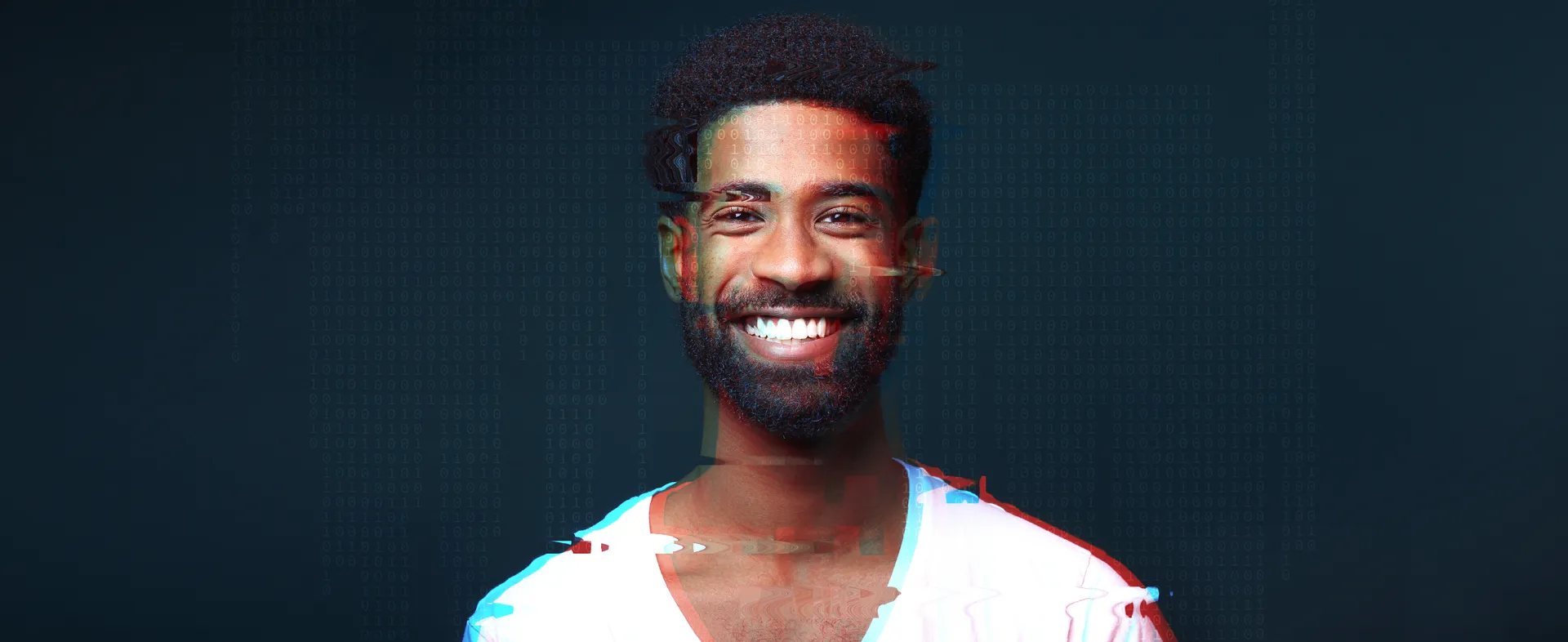
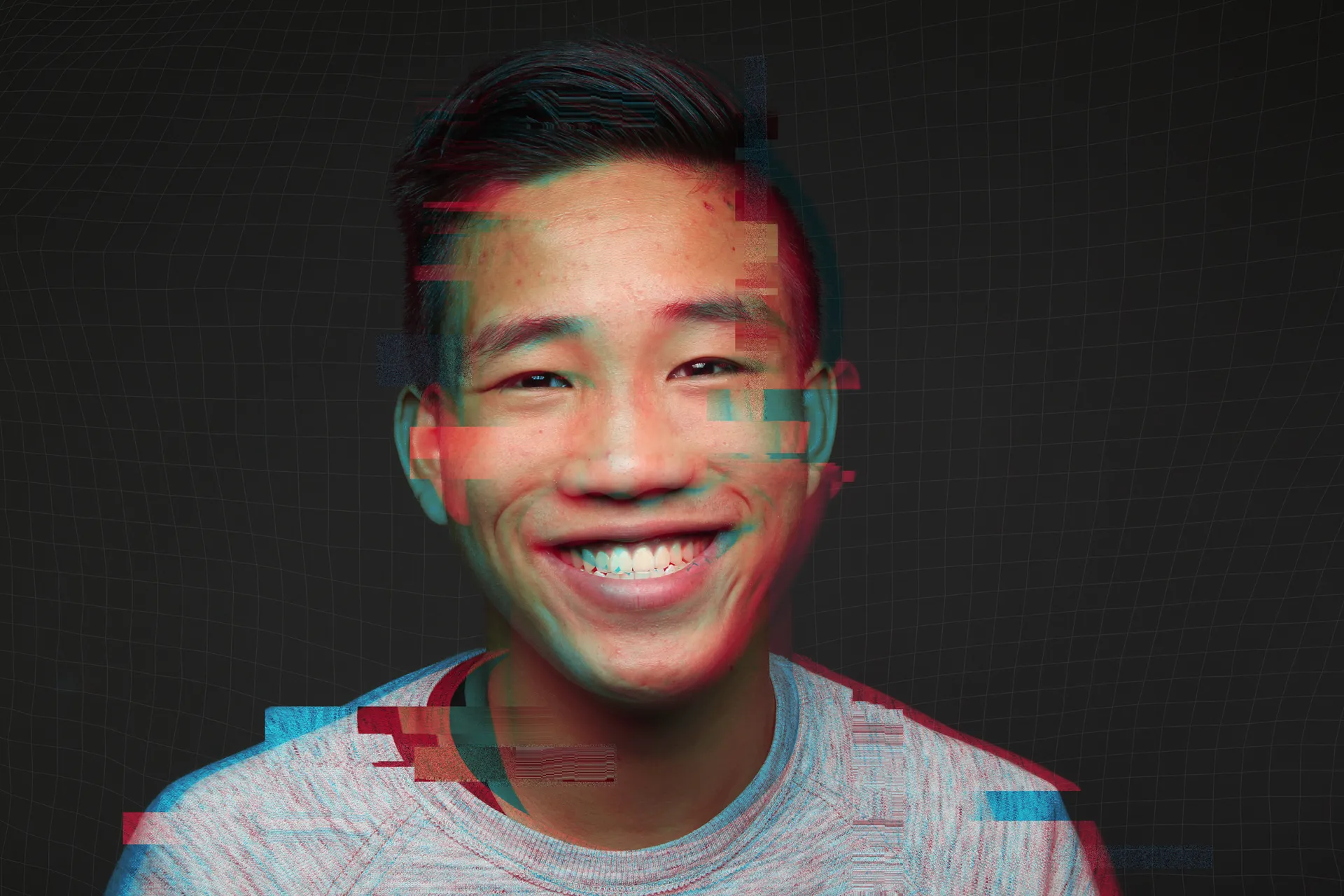
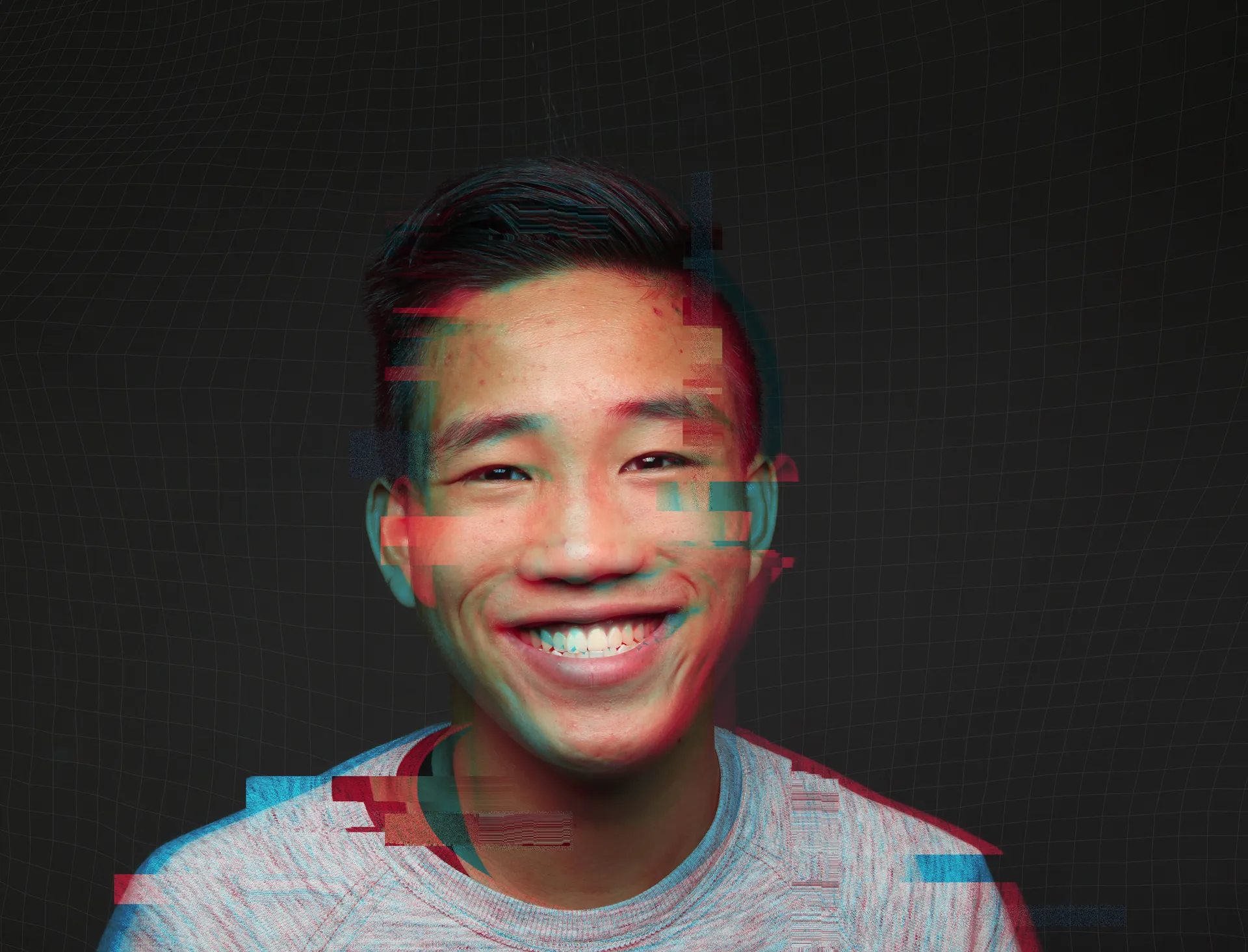
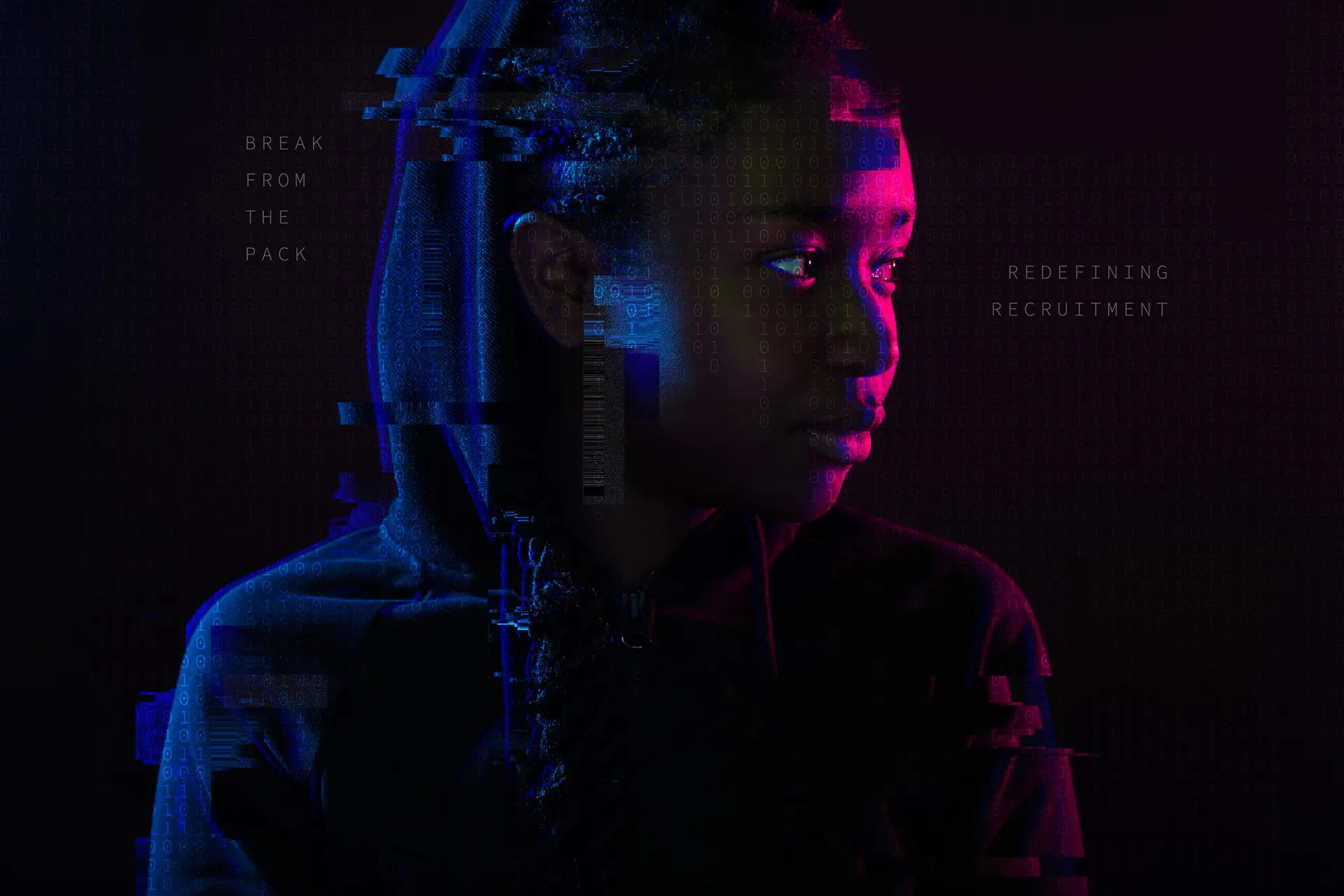
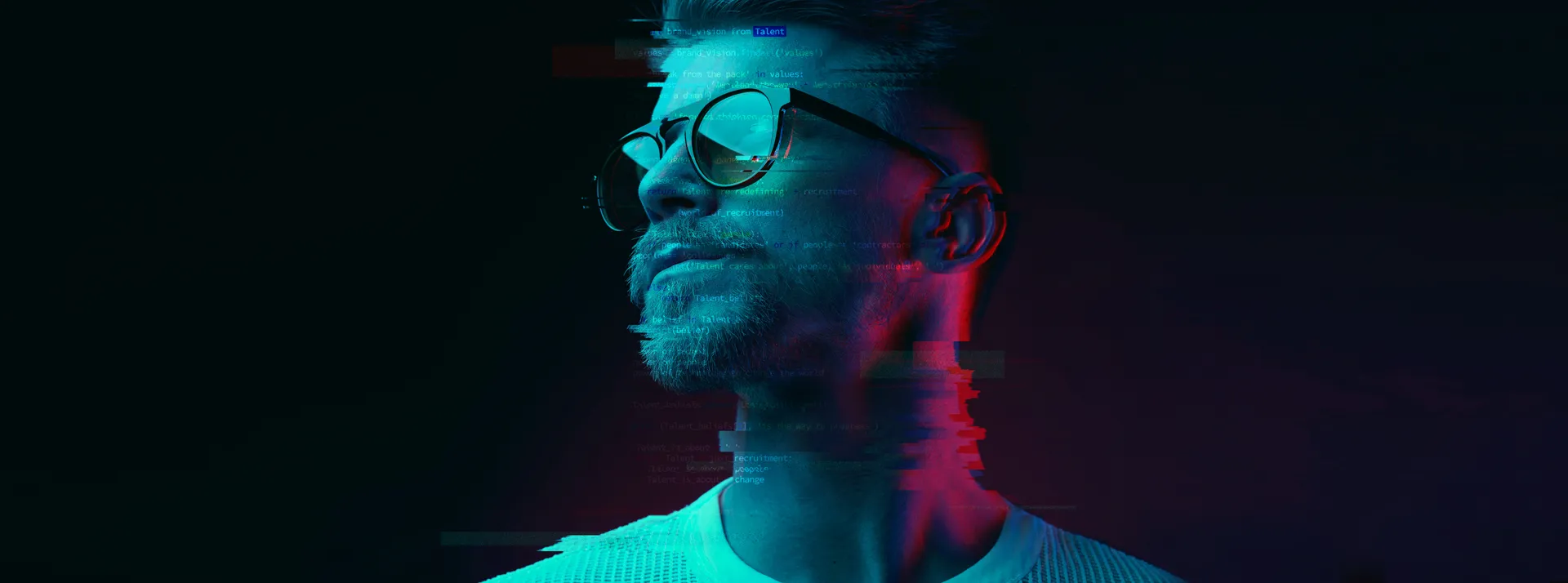
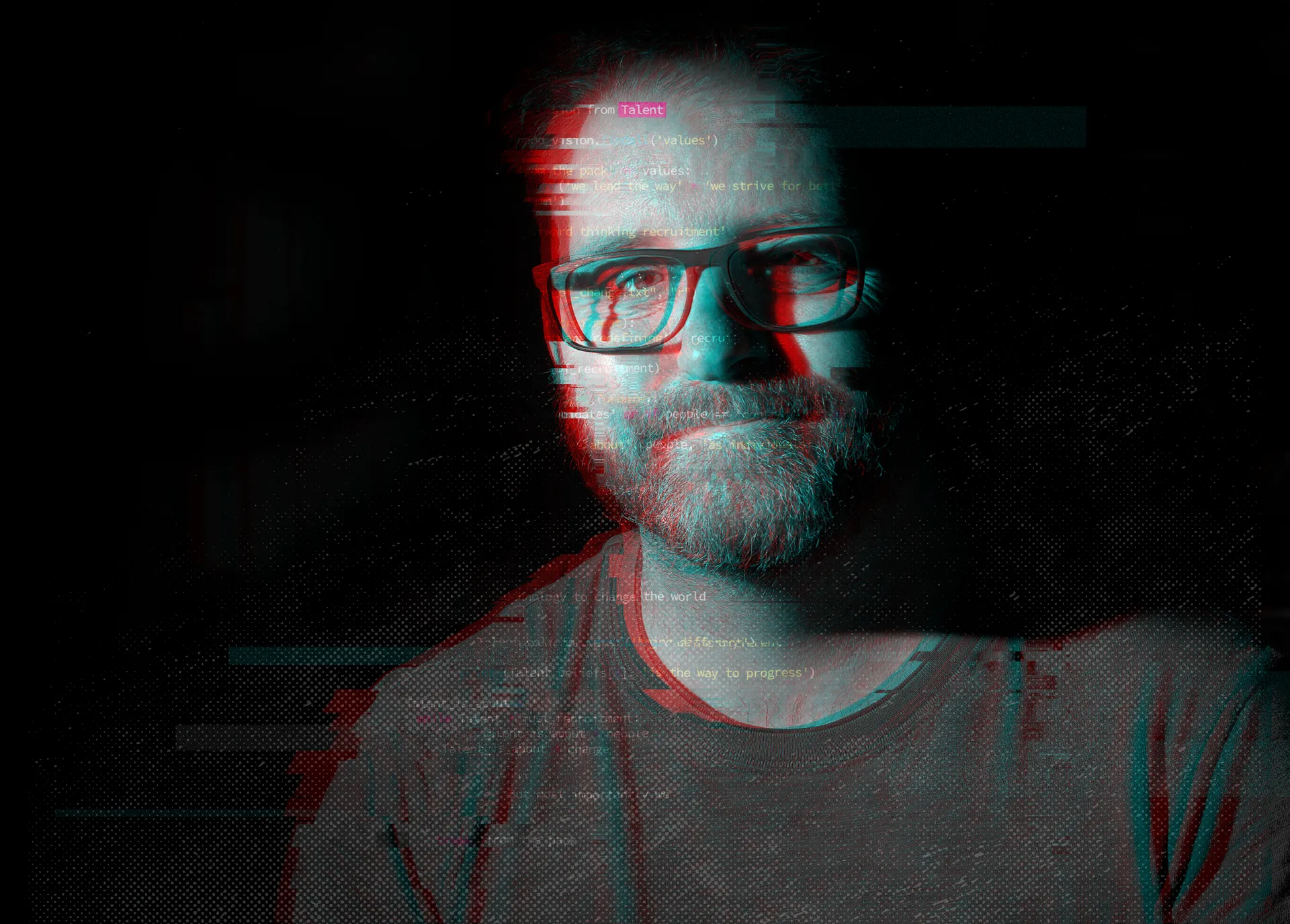
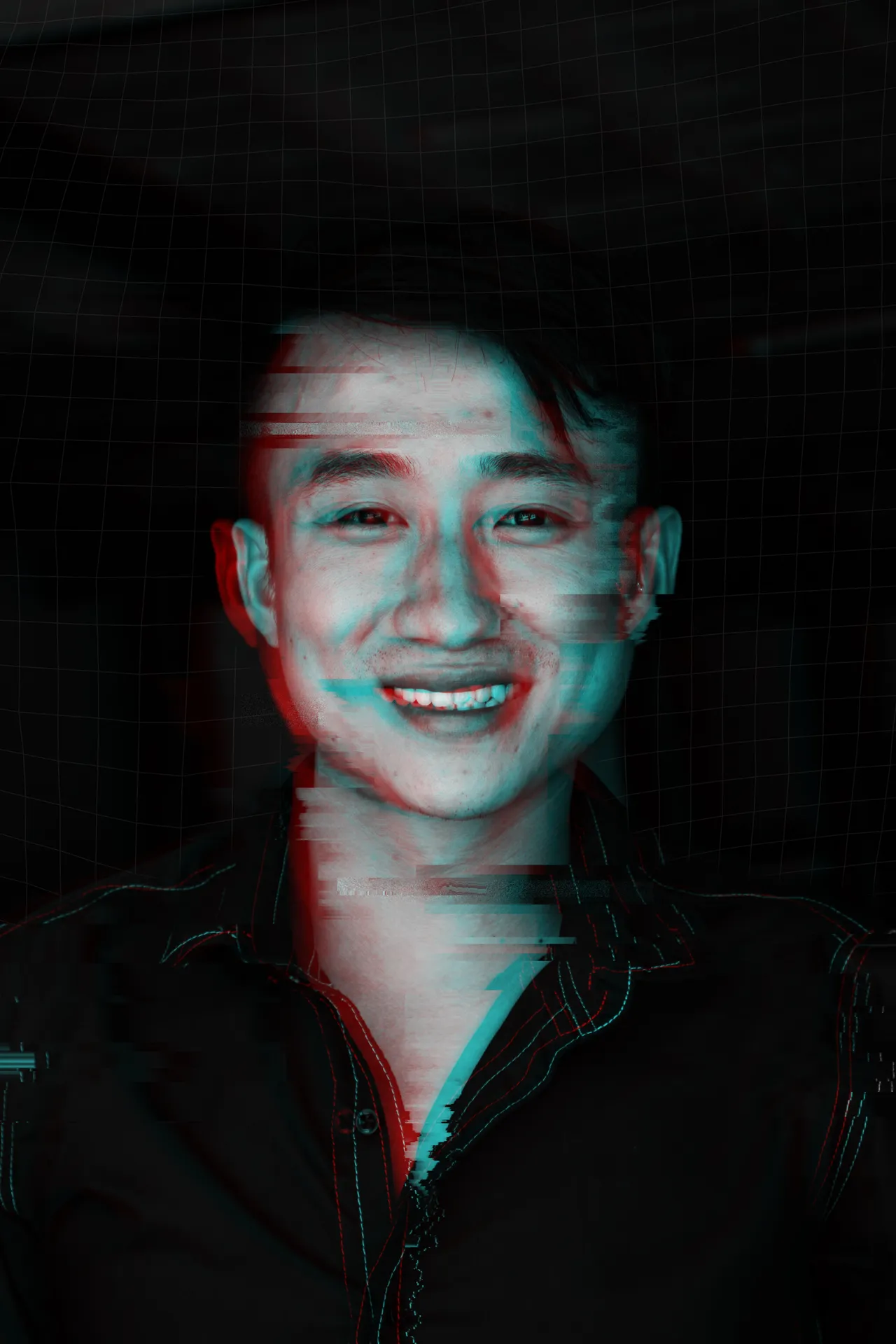
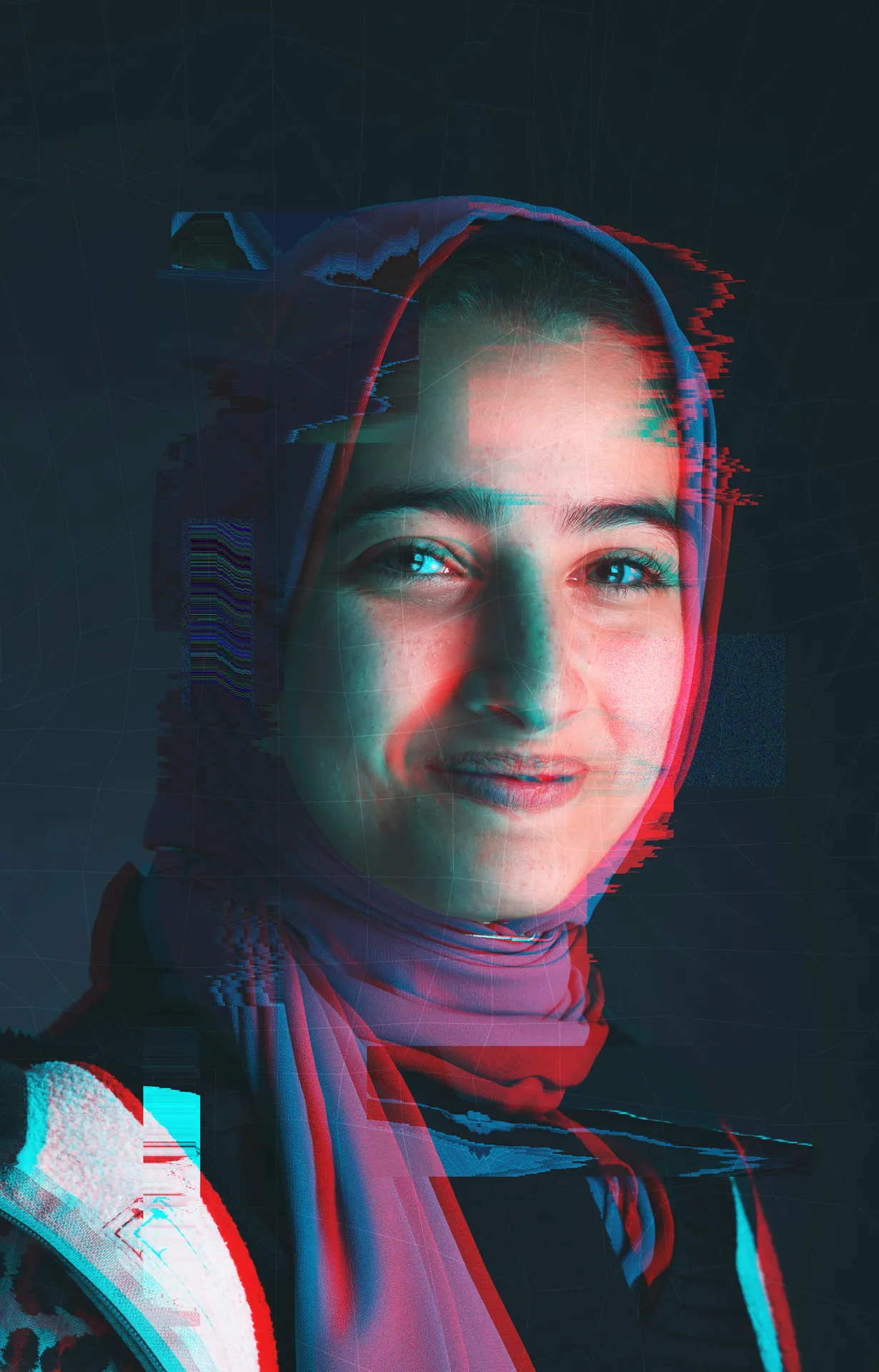
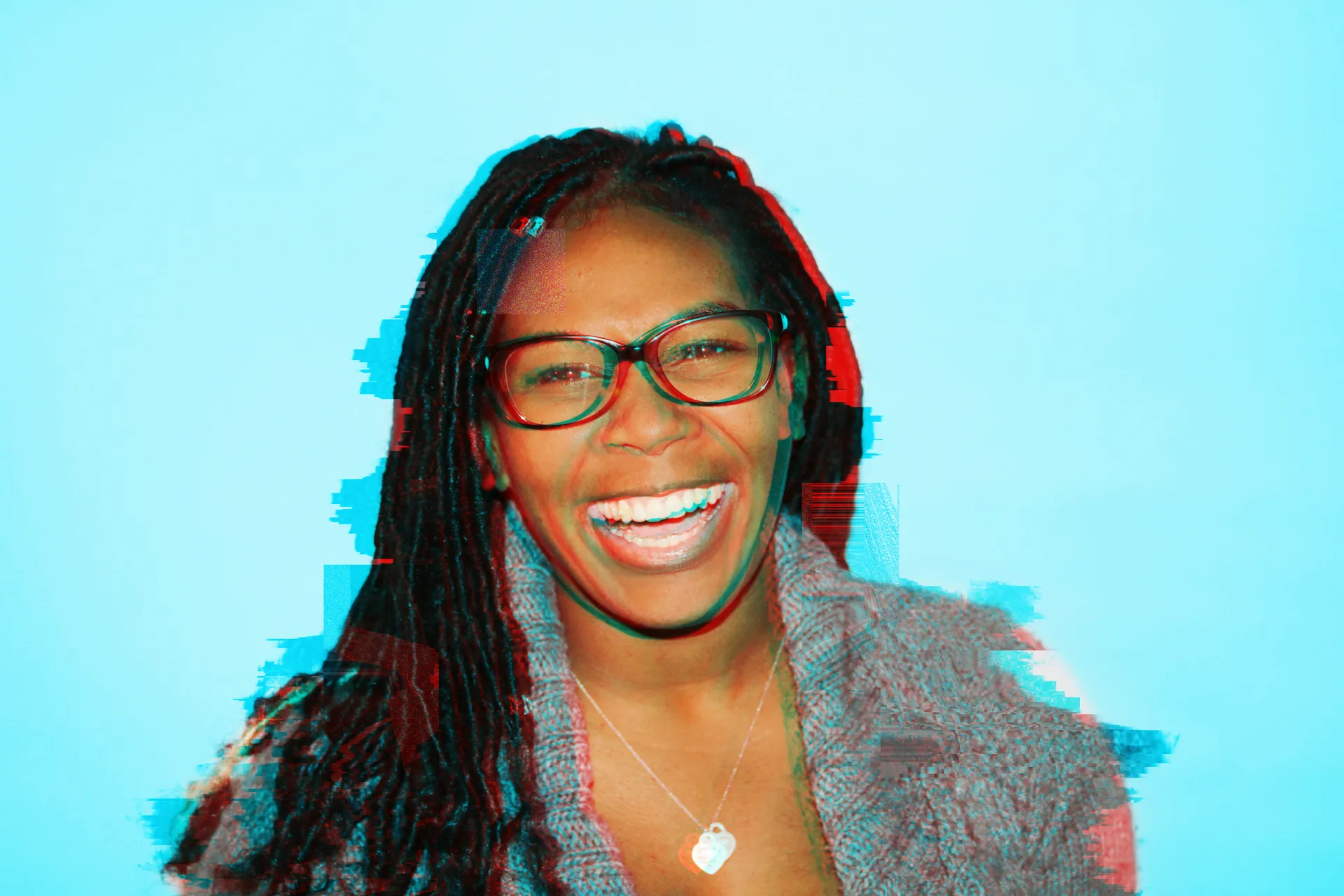
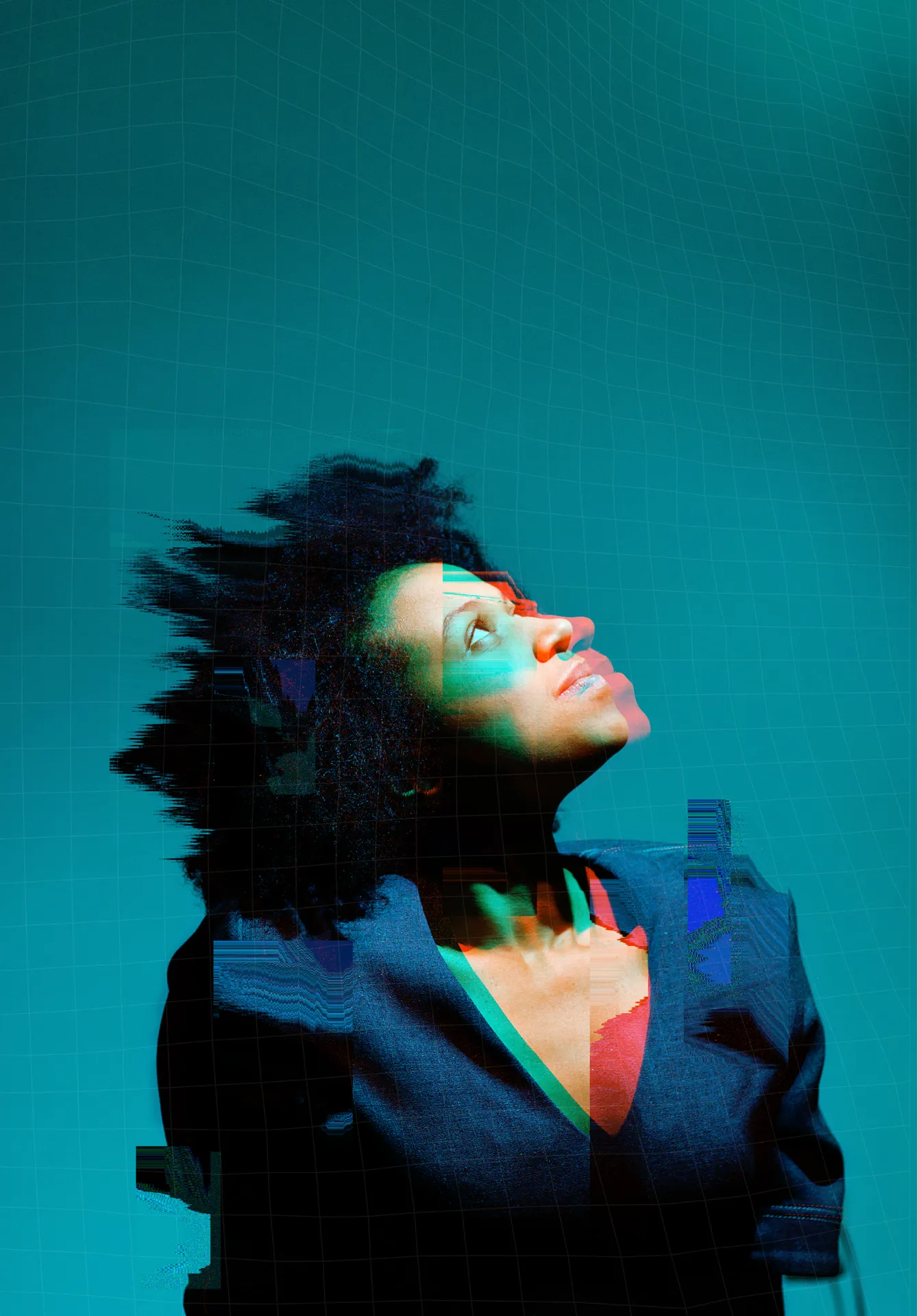
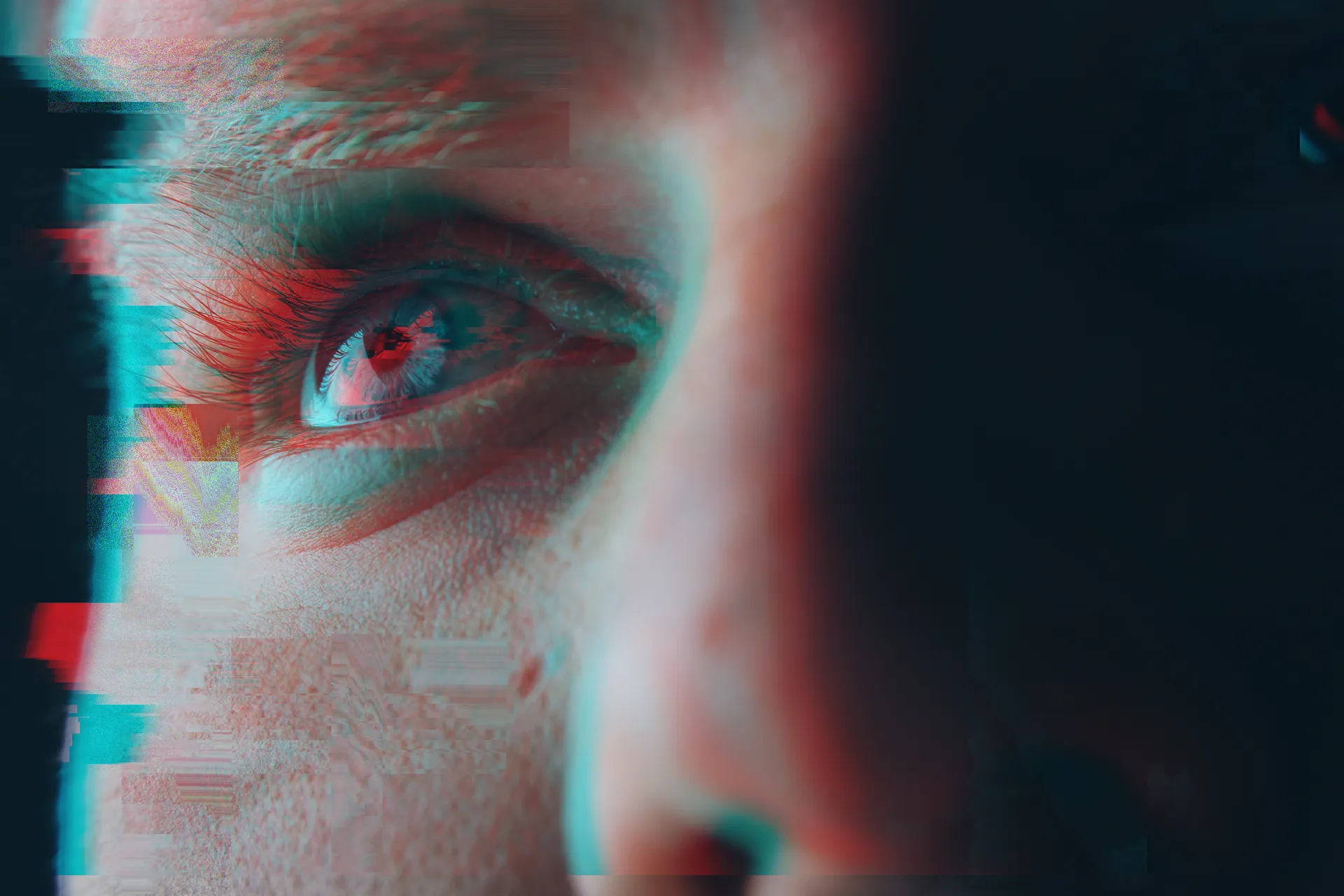
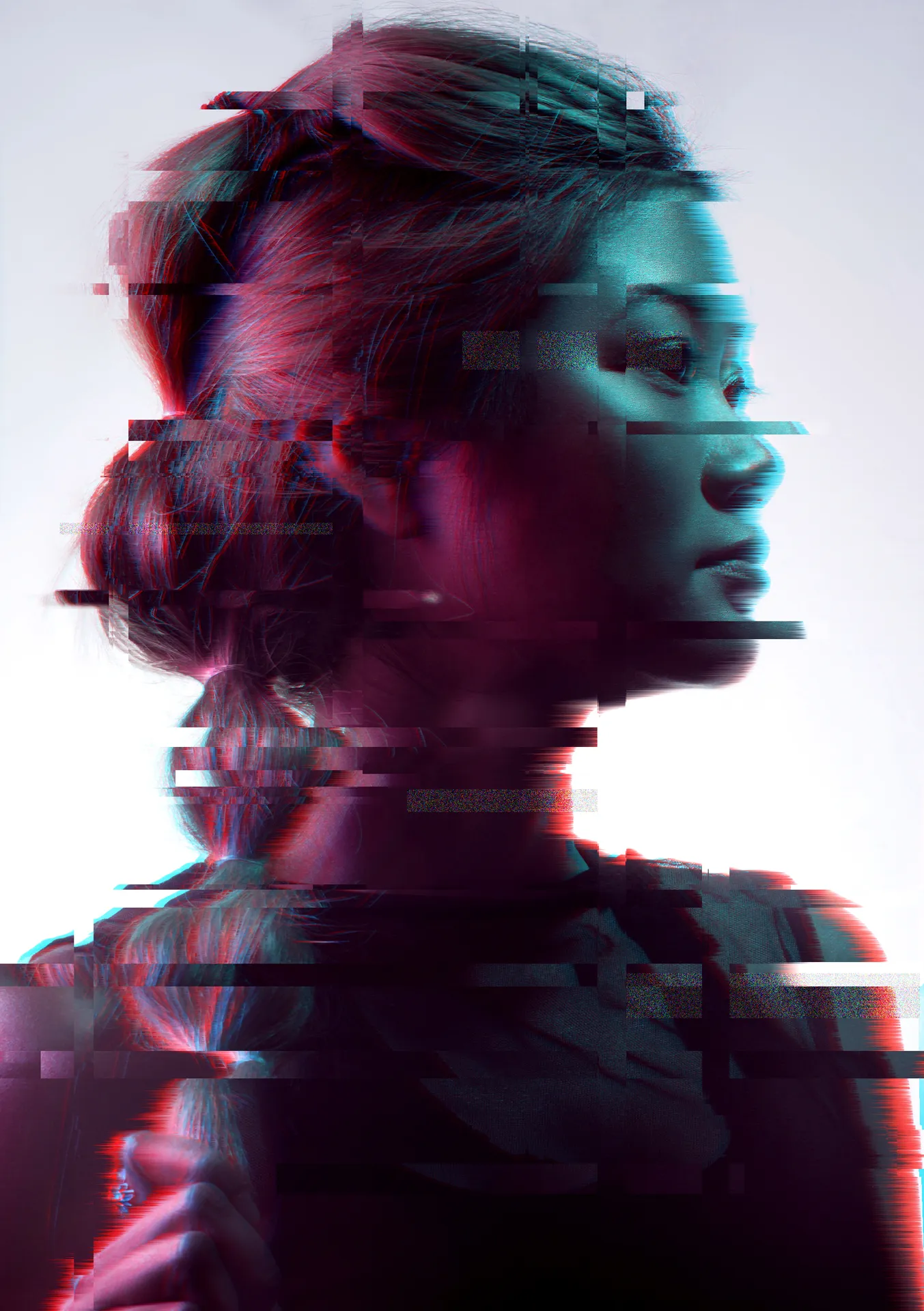
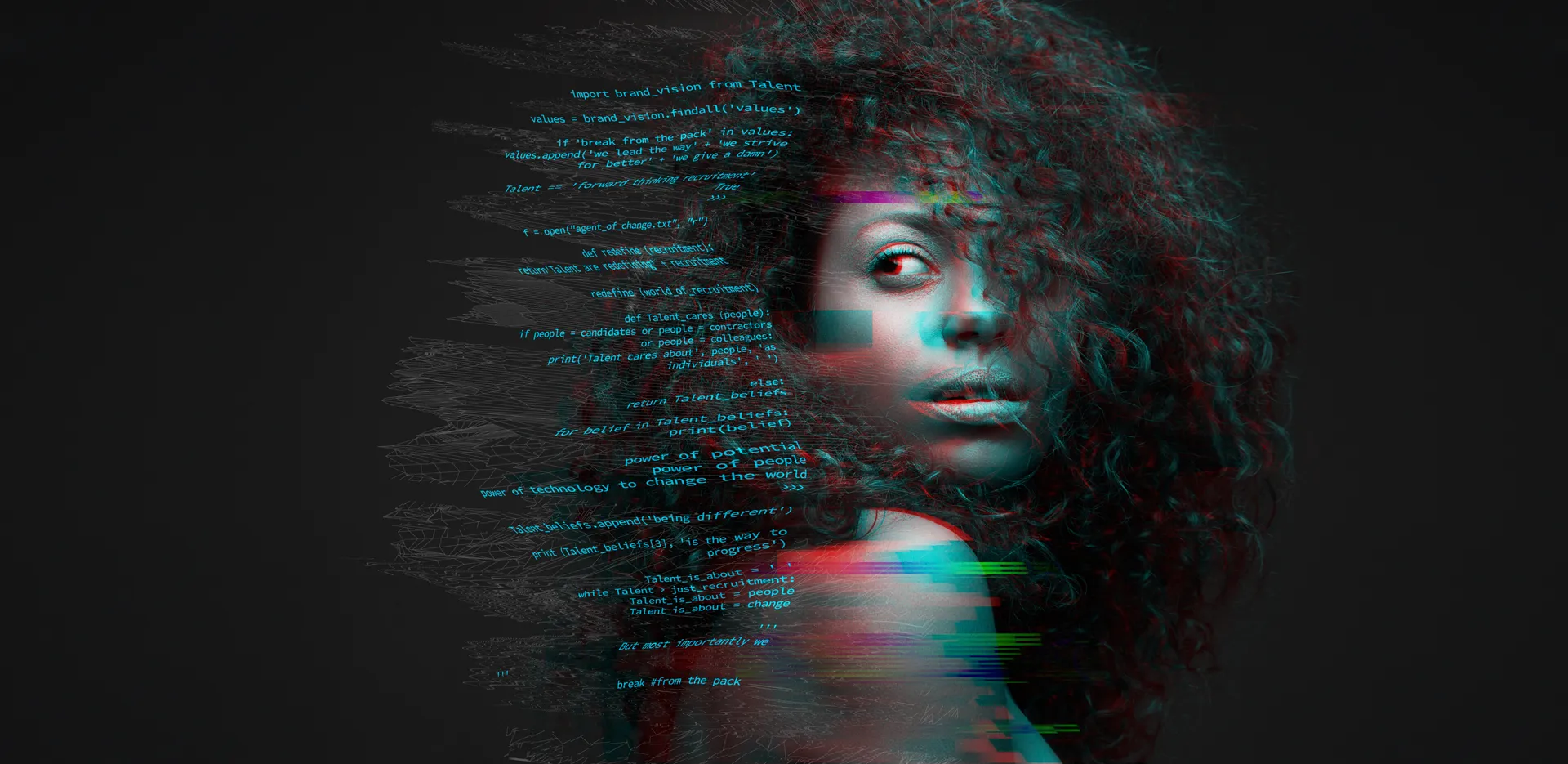
Approved Talent photography: real people in cool, high-contrast light with the signature cyan and pink glitch treatment. Avoid warm, beige or untreated stock imagery. Open any image for the full-size file.
Talent Brand Image 1 Talent Brand Image 2
 Talent Brand Image 3
 Talent Brand Image 4
 Talent Brand Image 5
 Talent Brand Image 6
 Talent Brand Image 7
 Talent Brand Image 8
 Talent Brand Image 9
 Talent Brand Image 10
 Talent Brand Image 11
 Talent Brand Image 12
 Talent Brand Image 13
 Talent Brand Image 14
 Talent Brand Image 15
 Talent Brand Image 16
 Talent Brand Image 17
 Talent Brand Image 18
 Talent Brand Image 19
 Talent Brand Image 20
 Talent Brand Image 21
 Talent Brand Image 22
 Talent Brand Image 23
 Talent Brand Image 24
 Talent Brand Image 25
 Talent Brand Image 26
 Talent Brand Image 27
 Talent Brand Image 28
 Talent Brand Image 29
 Talent Brand Image 30
 Talent Brand Image 31
 Talent Brand Image 32
 Talent Brand Image 33
 Talent Brand Image 34
 Talent Brand Image 35
 Talent Brand Image 36
 Talent Brand Image 37
 Talent Brand Image 38
 Talent Brand Image 39
 Talent Brand Image 40
 Talent Brand Image 41
 Talent Brand Image 42
 Talent Brand Image 43
 Talent Brand Image 44
 Talent Brand Image 45
 Talent Brand Image 46
 Talent Brand Image 47
 Talent Brand Image 48
 Talent Brand Image 49
 Talent Brand Image 50
 Talent Brand Image 51
 Talent Brand Image 52
 Talent Brand Image 53
 Talent Brand Image 54
 Talent Brand Image 55
 Talent Brand Image 56
 Talent Brand Image 57
 Talent Brand Image 58
 Talent Brand Image 59
 Talent Brand Image 60
 Talent Brand Image 61
 Talent Brand Image 62
 Talent Brand Image 63
 Talent Brand Image 64
 Talent Brand Image 65
 Talent Brand Image 66
 Talent Brand Image 67
 Talent Brand Image 68
 Talent Brand Image 69
 Talent Brand Image 70
 Talent Brand Image 71
 Talent Brand Image 72
 Talent Brand Image 73
 Talent Brand Image 74
 Talent Brand Image 75
 Talent Brand Image 76
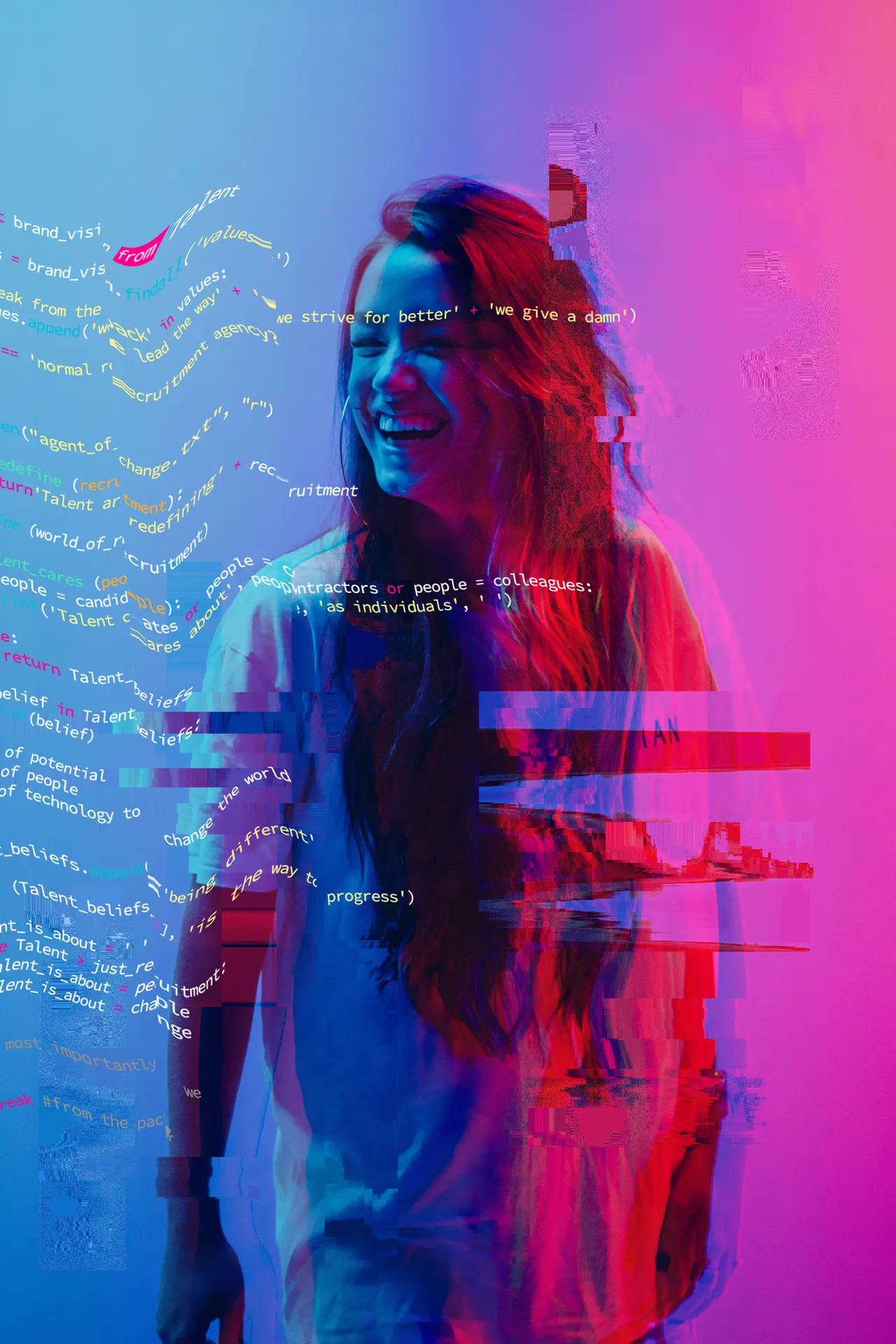 Talent Brand Image 77
 Talent Brand Image 78
 Talent Brand Image 79
 Talent Brand Image 80
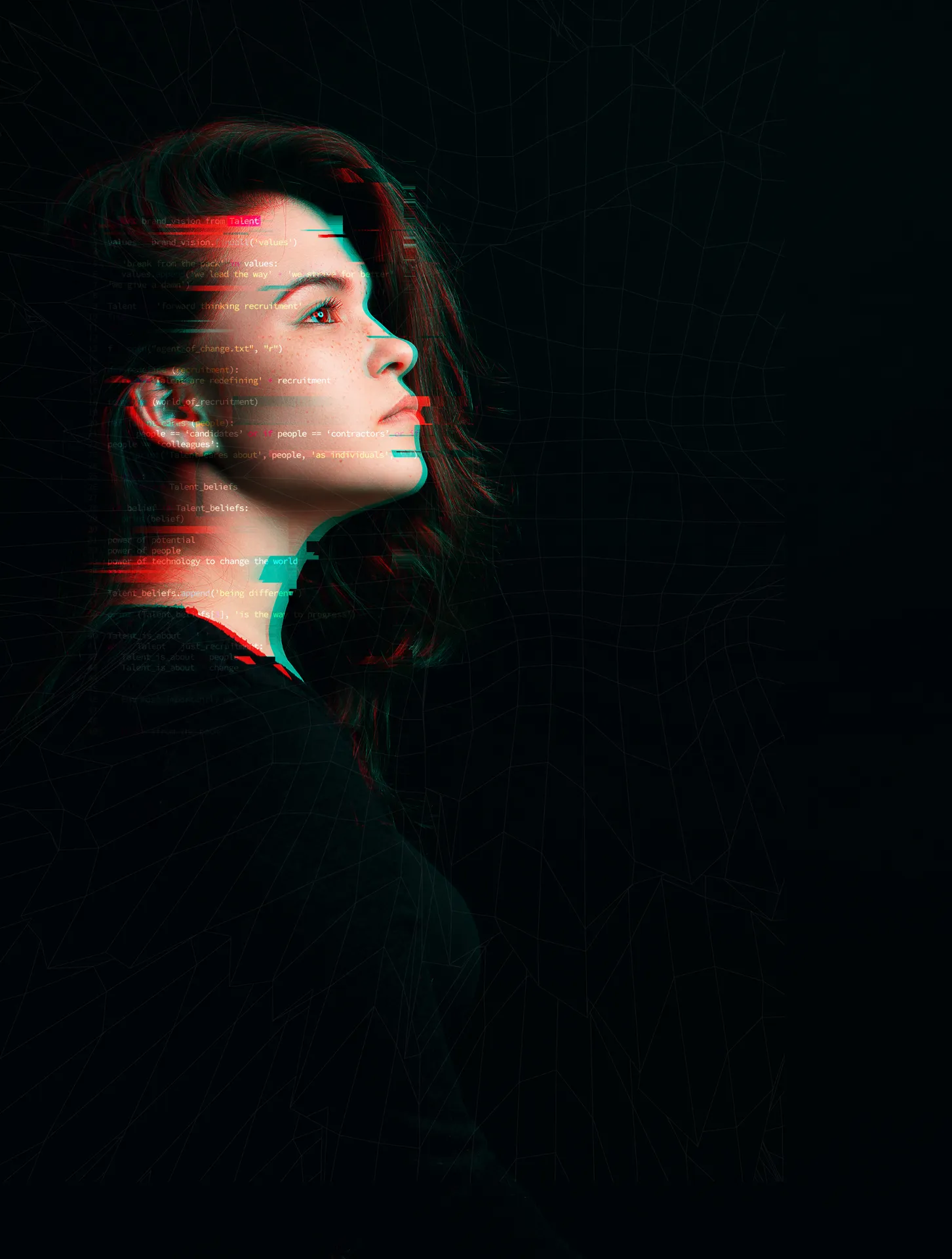 Talent Brand Image 81
 Talent Brand Image 82
 Talent Brand Image 83
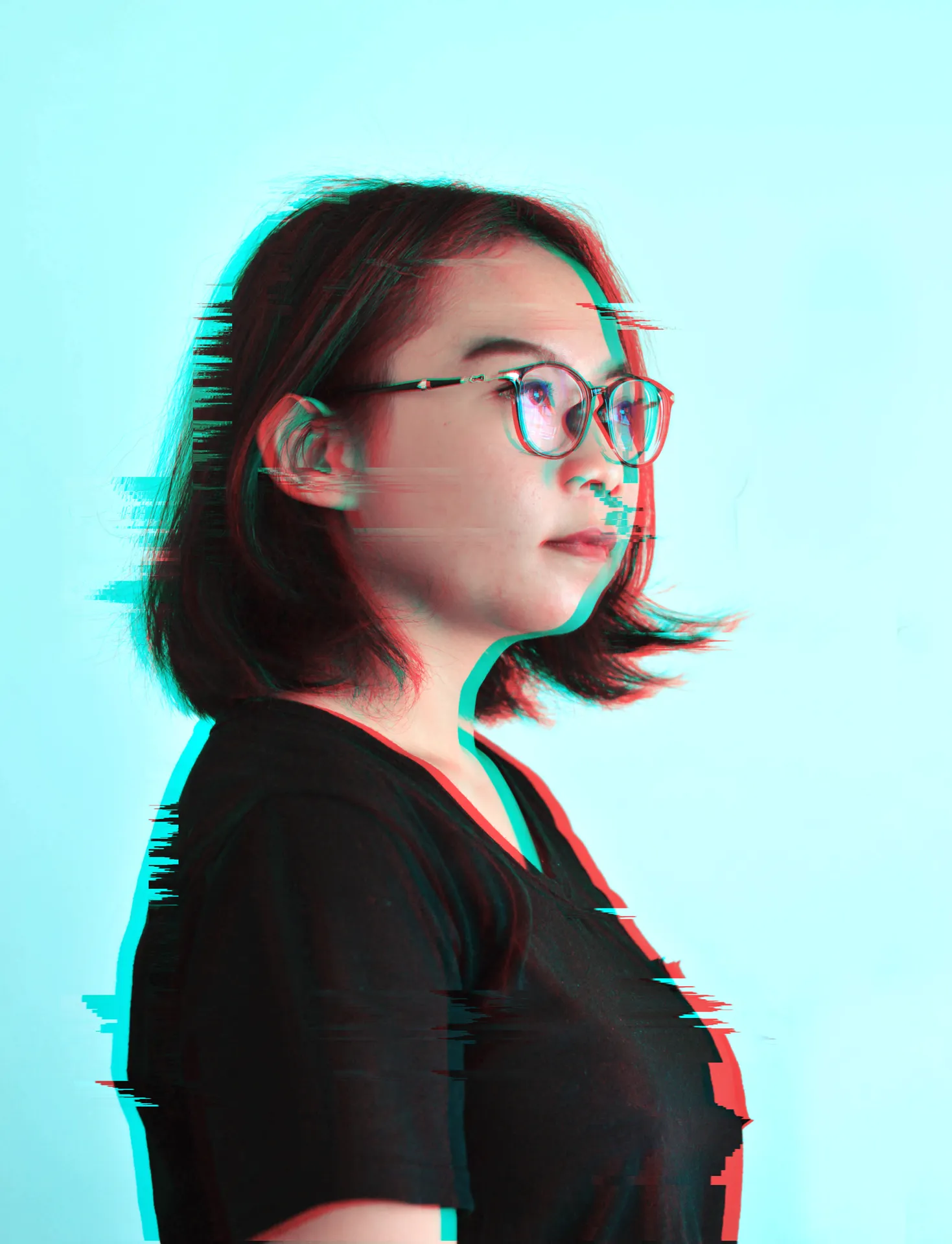 Talent Brand Image 84
 Talent Brand Image 85
 Talent Brand Image 86
 Talent Brand Image 87
 Talent Brand Image 88
 Talent Brand Image 89
 Talent Brand Image 90
 Talent Brand Image 91
 Talent Brand Image 92
 Talent Brand Image 93
 Talent Brand Image 94
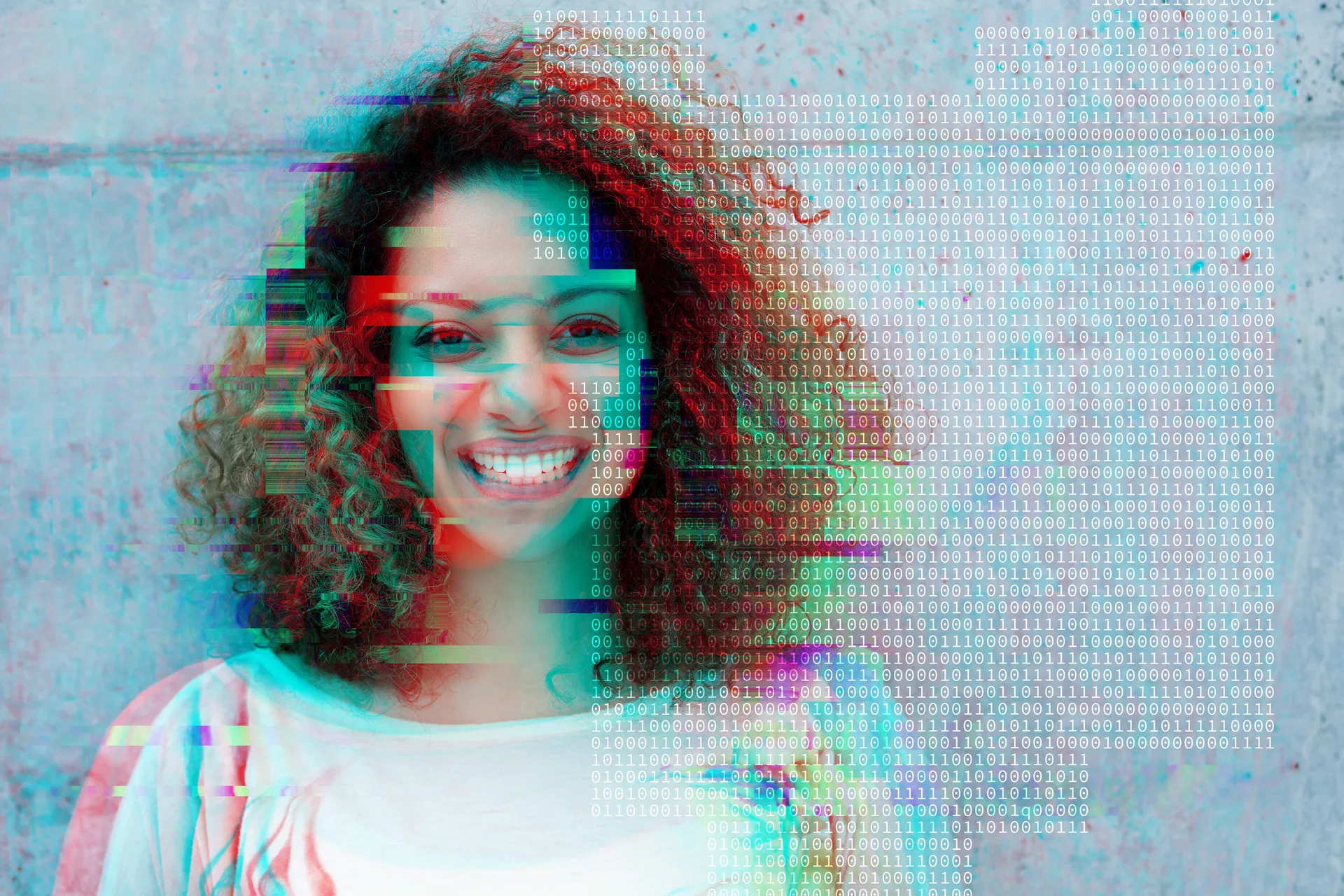 Talent Brand Image 95
 Talent Brand Image 96
 Talent Brand Image 97
 Talent Brand Image 98
 Talent Brand Image 99
 Talent Brand Image 100
 Talent Brand Image 101
 Talent Brand Image 102
102 images · scroll sideways to browse
Orbs
Soft, blurred shapes in cyan, blue, violet and pink with a fine grain. Use them to add atmosphere in empty space only, never behind text, logos or key content. All other backgrounds stay flat colour.
Orb 01
Orb 02
Orb 03
Orb 04
Do
- Place in empty areas, such as beside a headline or behind the clear space of a cover.
- Use one orb per frame, two at most.
- Let the orb bleed off the edge of the frame.
- Use on Dark or Brand theme backgrounds.
Don't
- Put text, logos, icons or buttons on top of an orb.
- Recolour, sharpen or remove the grain.
- Use as a full-bleed background or as a gradient fill.
- Place inside cards, buttons or small surfaces.
Icons
The shared group icon set: 153 line icons on a common grid. Icons use either the surface's main text colour or its pop colour; icons inside filled buttons take the button's text colour. Use the switch to preview both.
60-40
accessibility
aged-care
arrow-down
arrow-left
arrow-right
arrow-up
attatchment
audio-fast-forward
audio-pause
audio-play
audio-rewind
audio-skip-back
audio-skip-forward
audio-stop
battery
bell
bin
blend
book
bounce
box
brain
briefcase
bug
calendar
camera
car
categories
certificate
chev-down
chev-left
chev-right
chev-up
clear
clinks
clock
clothing
cloud
code
coffee
cog
cogs
coin-dollar
coin-eruo
coin-pound
comment-speech-bubble
comment-speech-bubble-2
compass
computer
construction-crane
construction-crane-2
construction-tape-measure
construction-trowel
contact-email
contact-email-2
contact-mobile
contact-phone
conversation
dashboard
design-plan
design-sketch
diamond
download-cloud
download-file
drive
edit-copy
edit-cut
export
external
eye
family
flag-aus
flag-nz
gant
gender-female
gender-male
give
globe
government-federal
government-landmark
government-local-councils
government-state
graph
handshake
healthcare-aged-care
healthcare-gym
healthcare-heart-bubble
healthcare-mask
healthcare-medical-devices
healthcare-medical
healthcare-medical-2
history
home
industries
infinite
information
job-experience
lightbulb
lightning
list
log-out
megaphone
mic
microchip
network
option
page-document
page-inspect
pending
person
pharma-microscope
pharma-pills
pin
pop
process
punchy
quote
recycle
risk
roots
save
saved
scale-down
scale-up
science
search
secure-doc
secure-padlock
secure-page
secure-shield
select
send
shine
stack
star
sun
sustainability
swatch
text
thumb-down
thumb-up
toggle
travel
trophy
utilities-fire
utilities-water
verify-cross
verify-tick
video
wellness
wind
write
Chart examples
Survey-style charts for reports and slides. Bars fill with the primary-to-accent gradient on a soft track. Doughnut slices take evenly spaced colours along that gradient, so any number of items stays on brand. Labels use Fragment Mono; values use body text.
Is your organisation formally measuring AI impact?
- Yes, clear metrics or KPIs8%
- Yes, but informal13%
- Starting to define19%
- No, but plan to18%
- No current plans20%
- Not sure22%